

Set aside what’s personal. Split what’s shared.
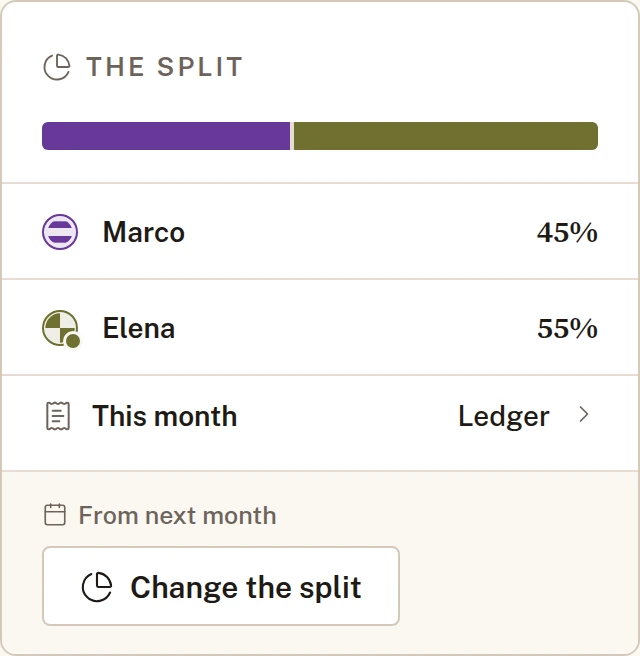
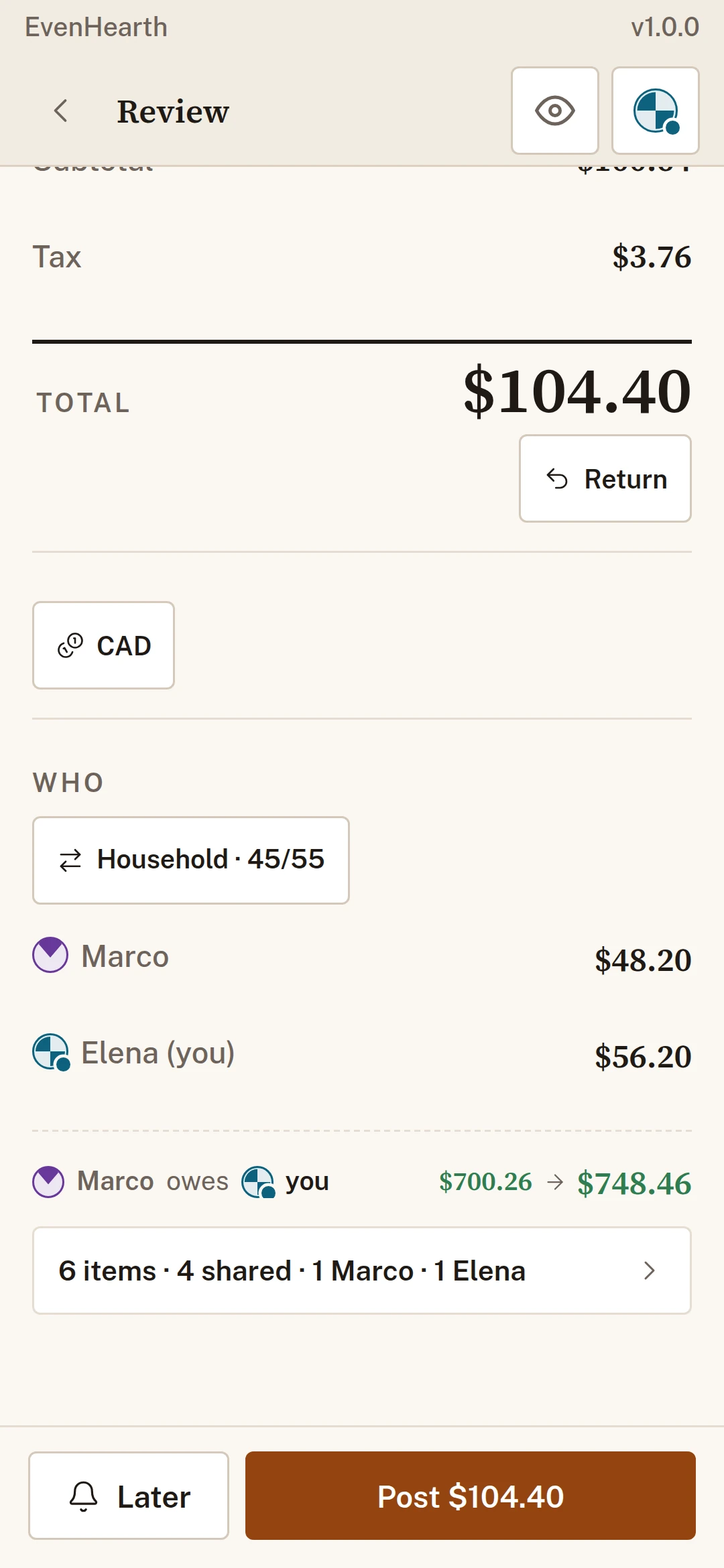
One ledger for the people you live with or travel with. Take out anything that was only for one person, split the rest the way you agreed, and see who owes whom.
No cardThey need no accountYour records are private

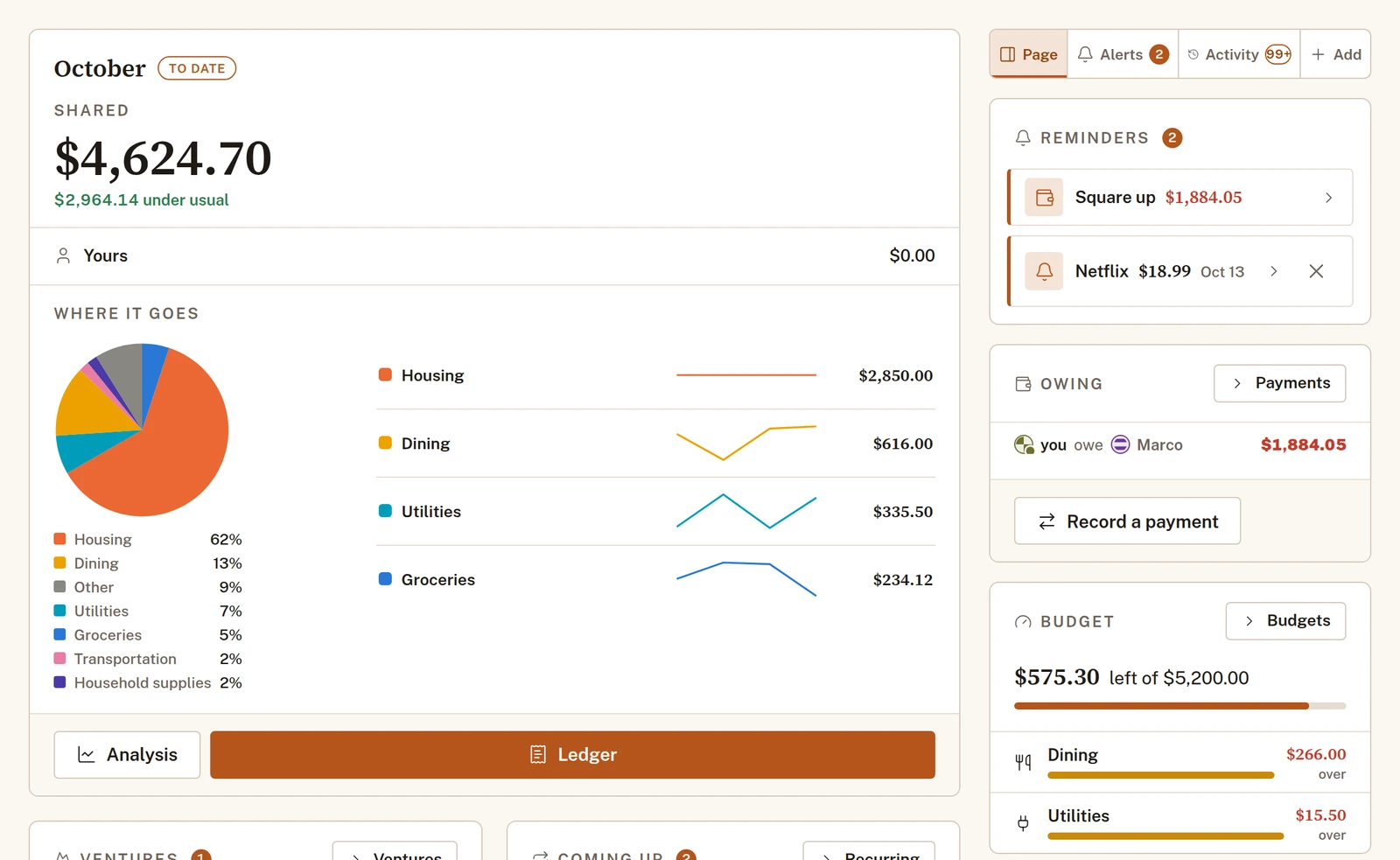
See it in thirty seconds.
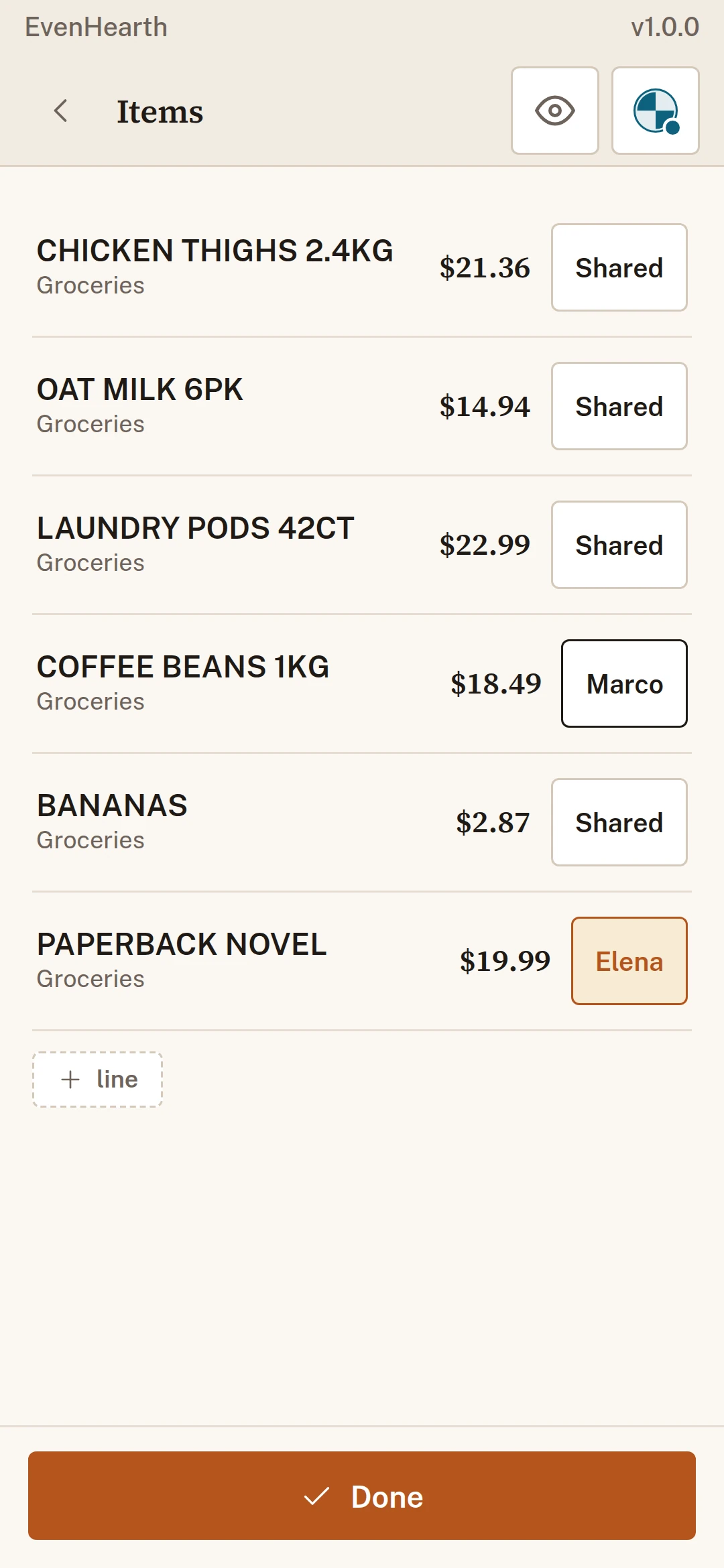
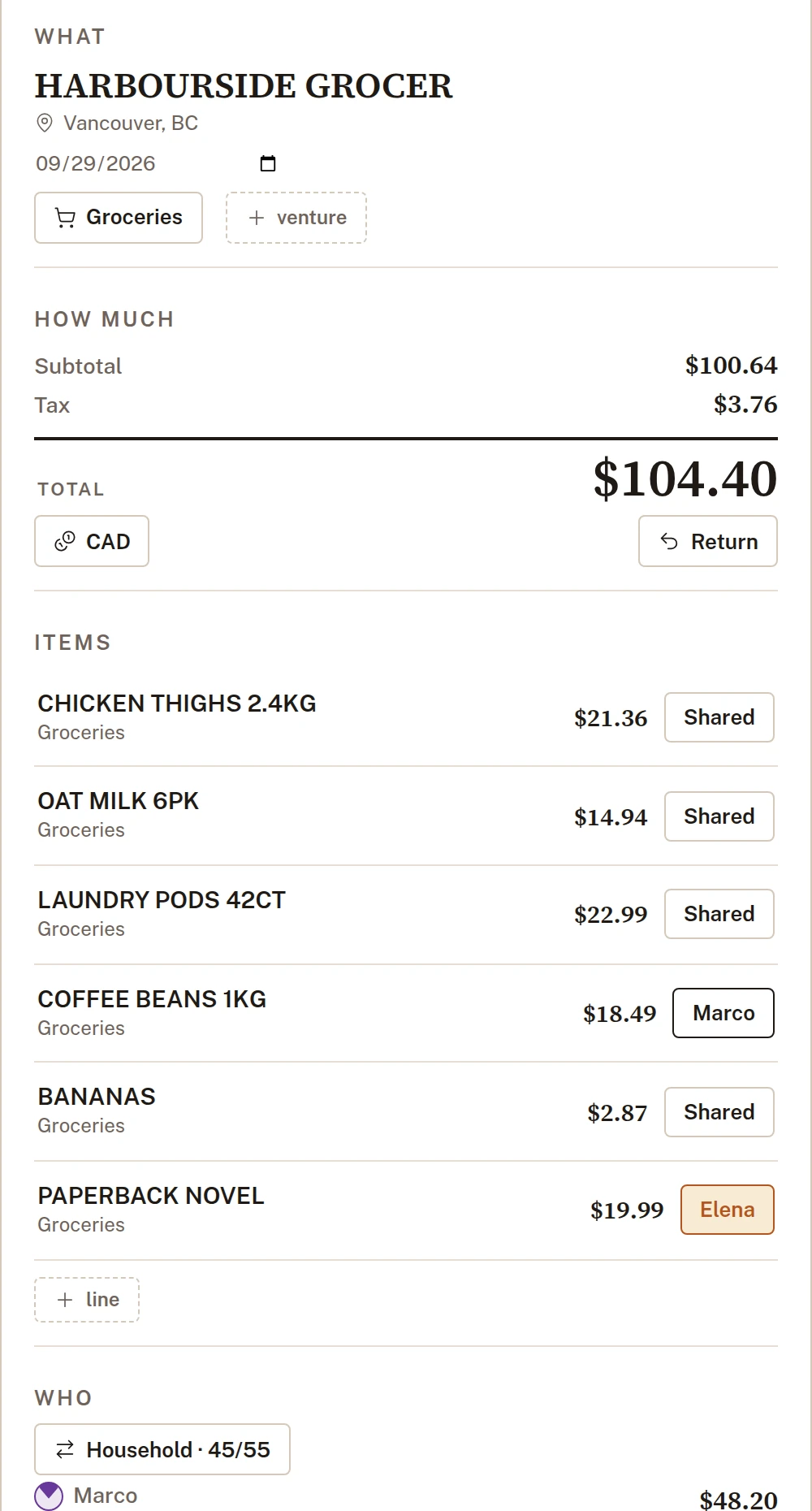
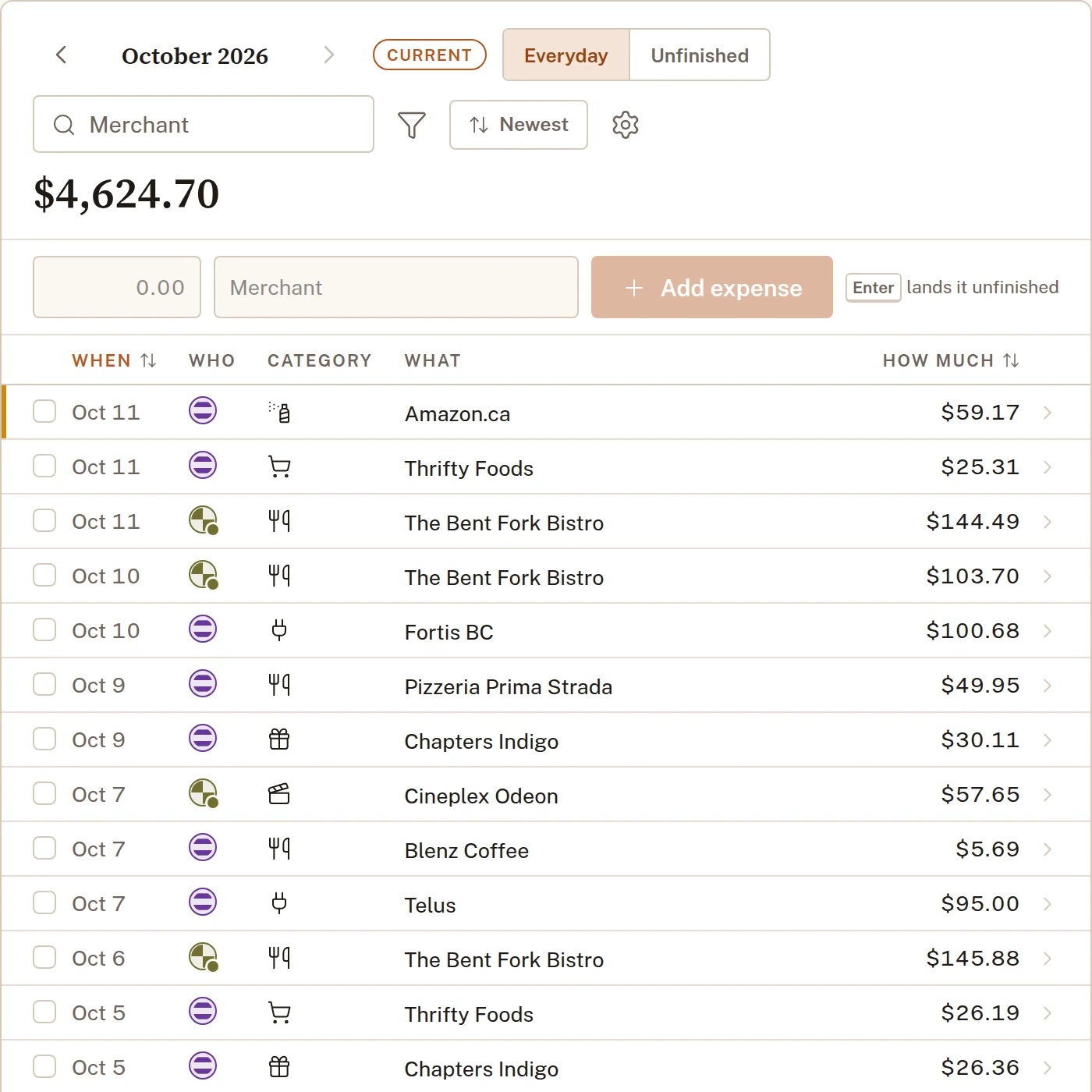
Yours, theirs or shared, line by line.
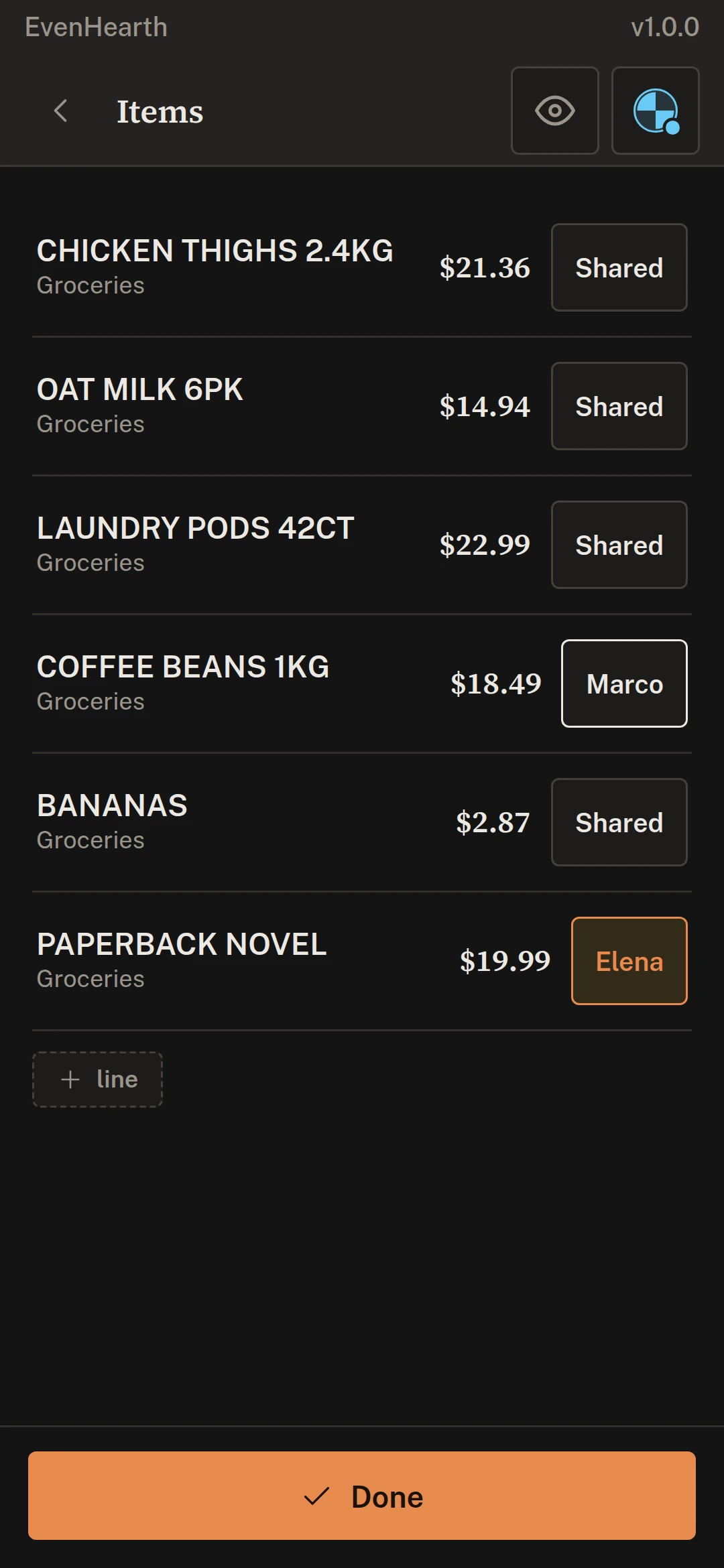
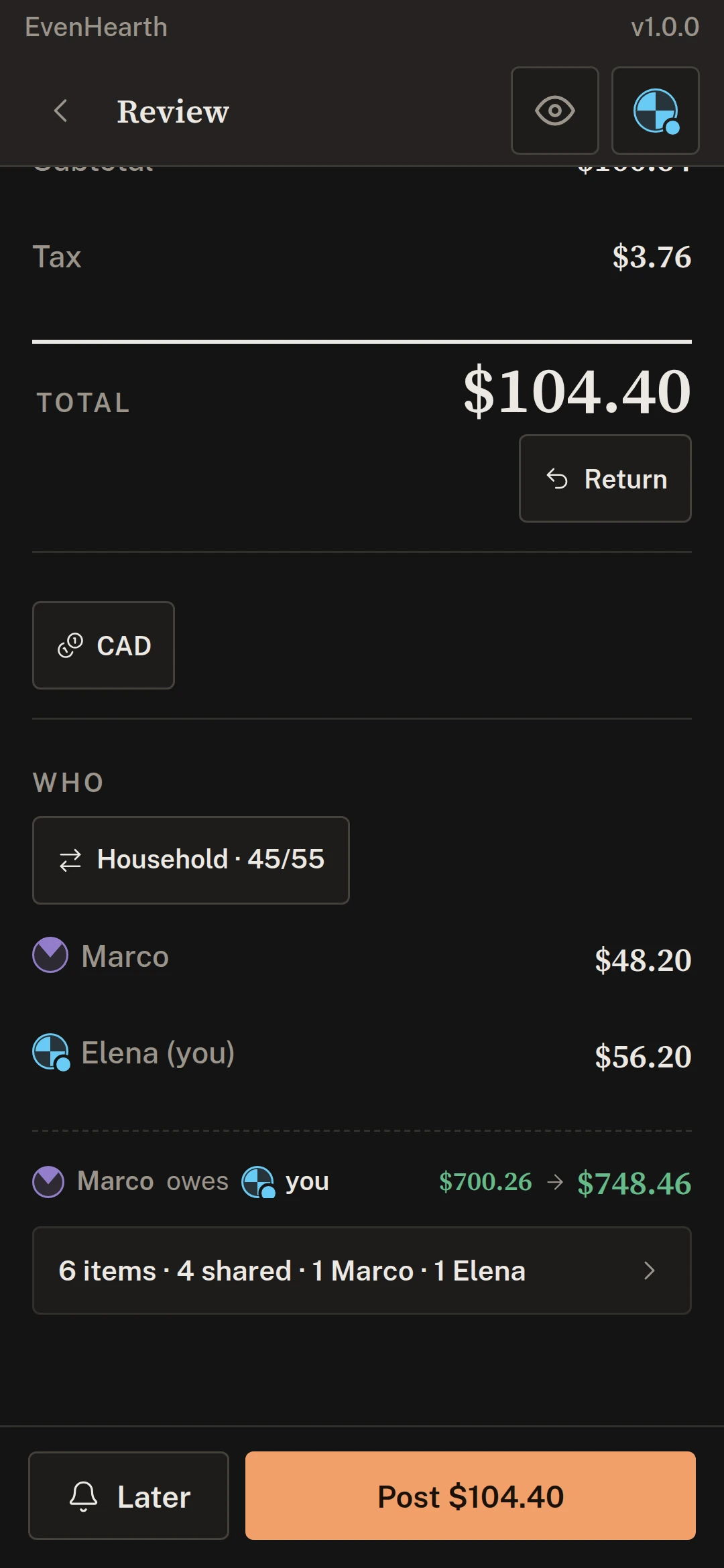
Mark any line as one person’s, or leave it shared. Each person’s share of the tax follows their own lines, and the rest divides the way you agreed. Itemized splits are free.


The spreadsheet works right up until somebody has to keep it alive.

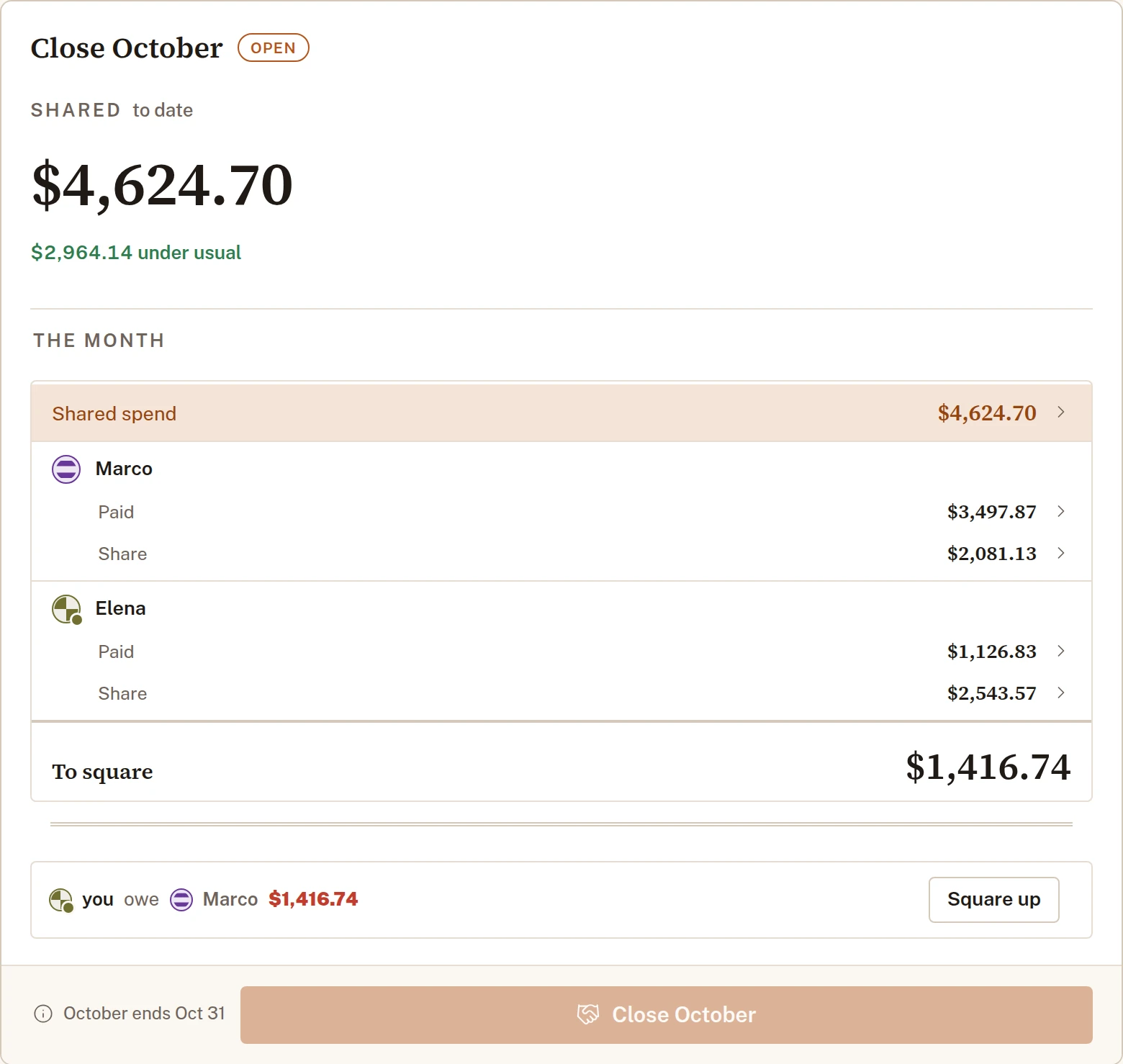
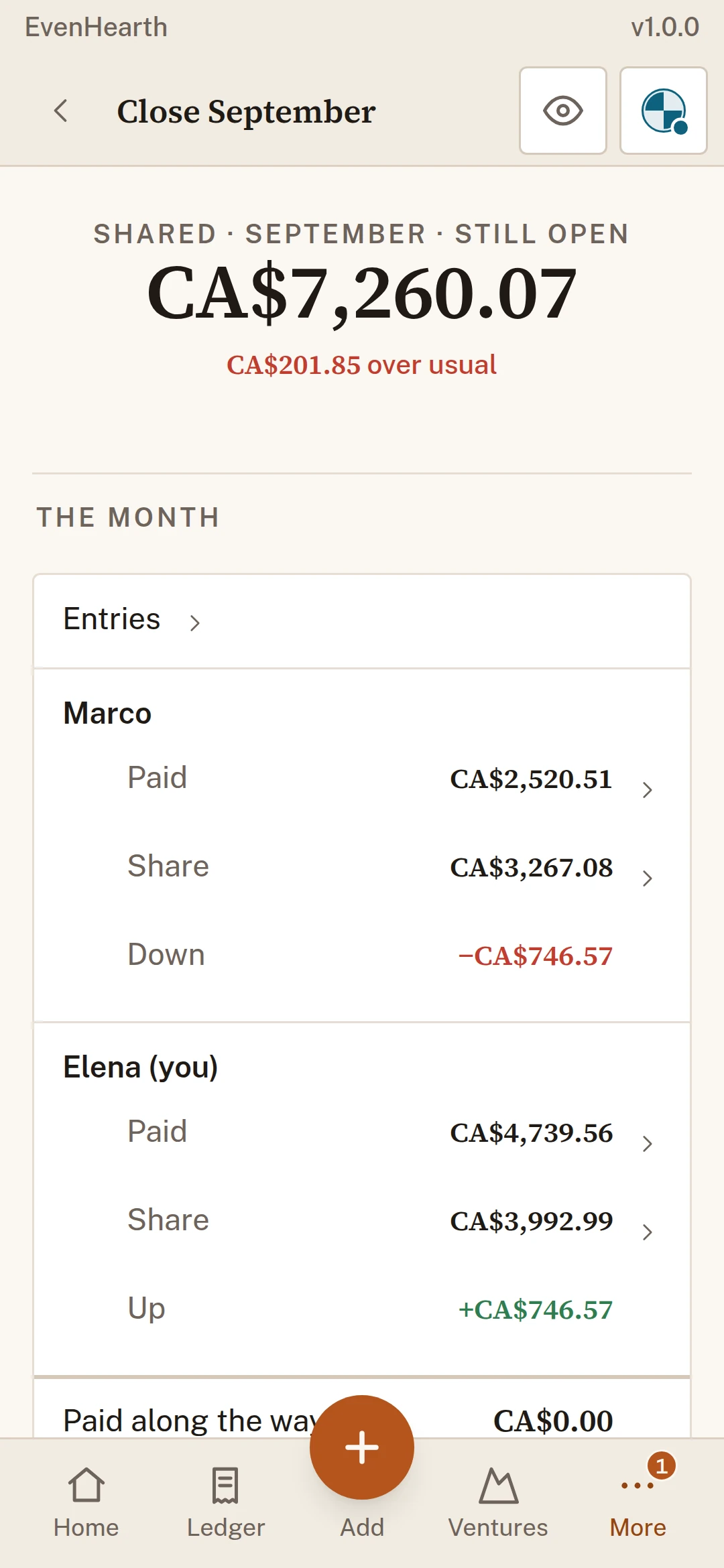
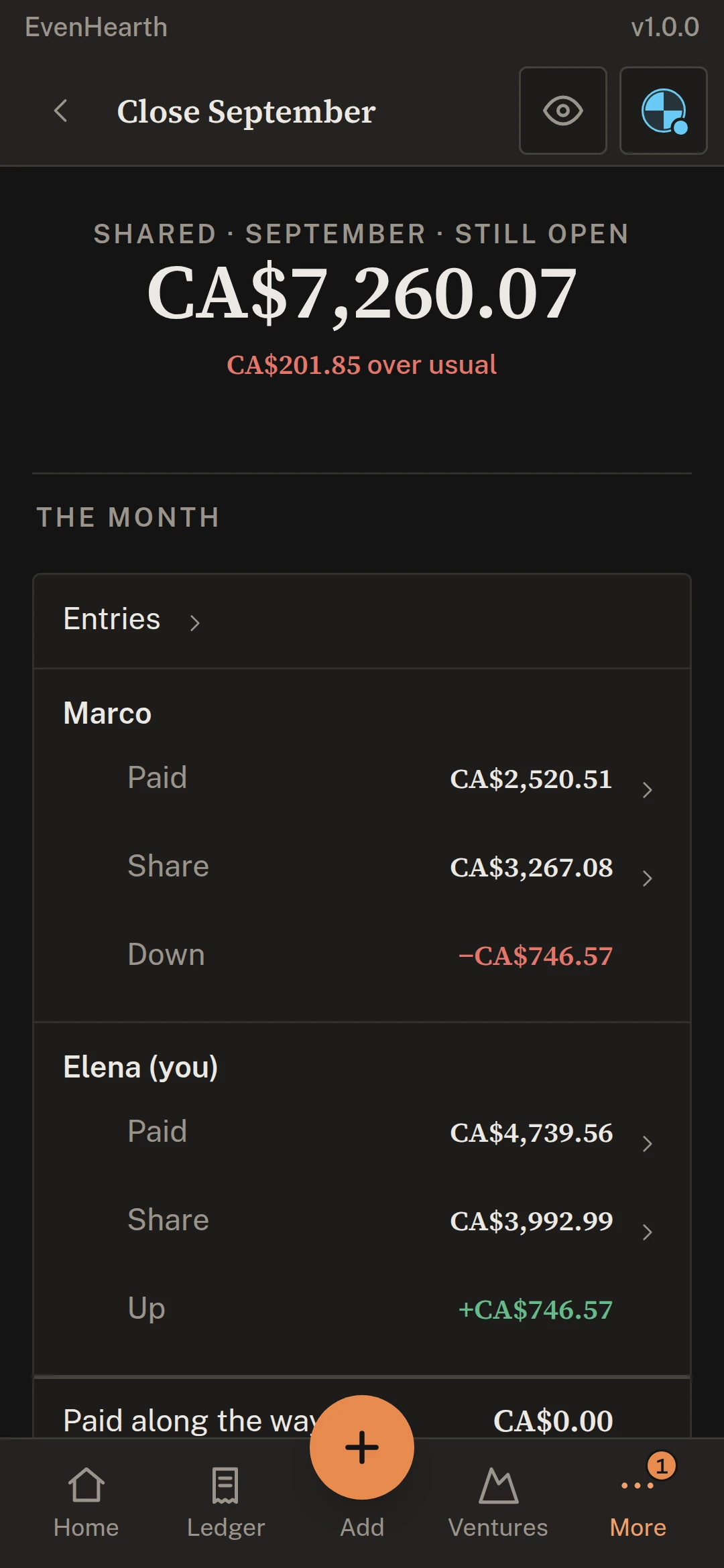
Close the month straight from the ledger.
Every receipt keeps the split it was posted under. Close the month and the app lists the payments to record, each confirmed by both people.
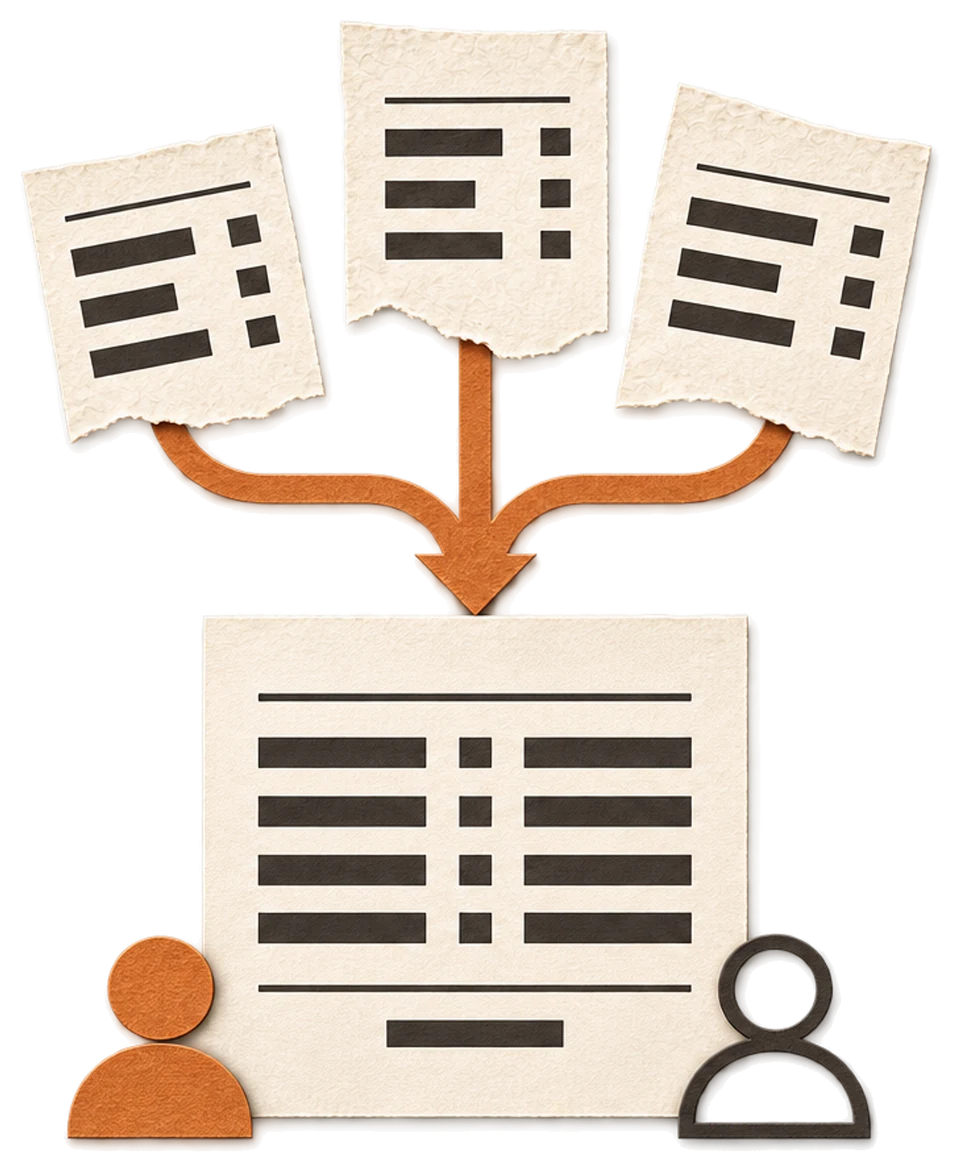
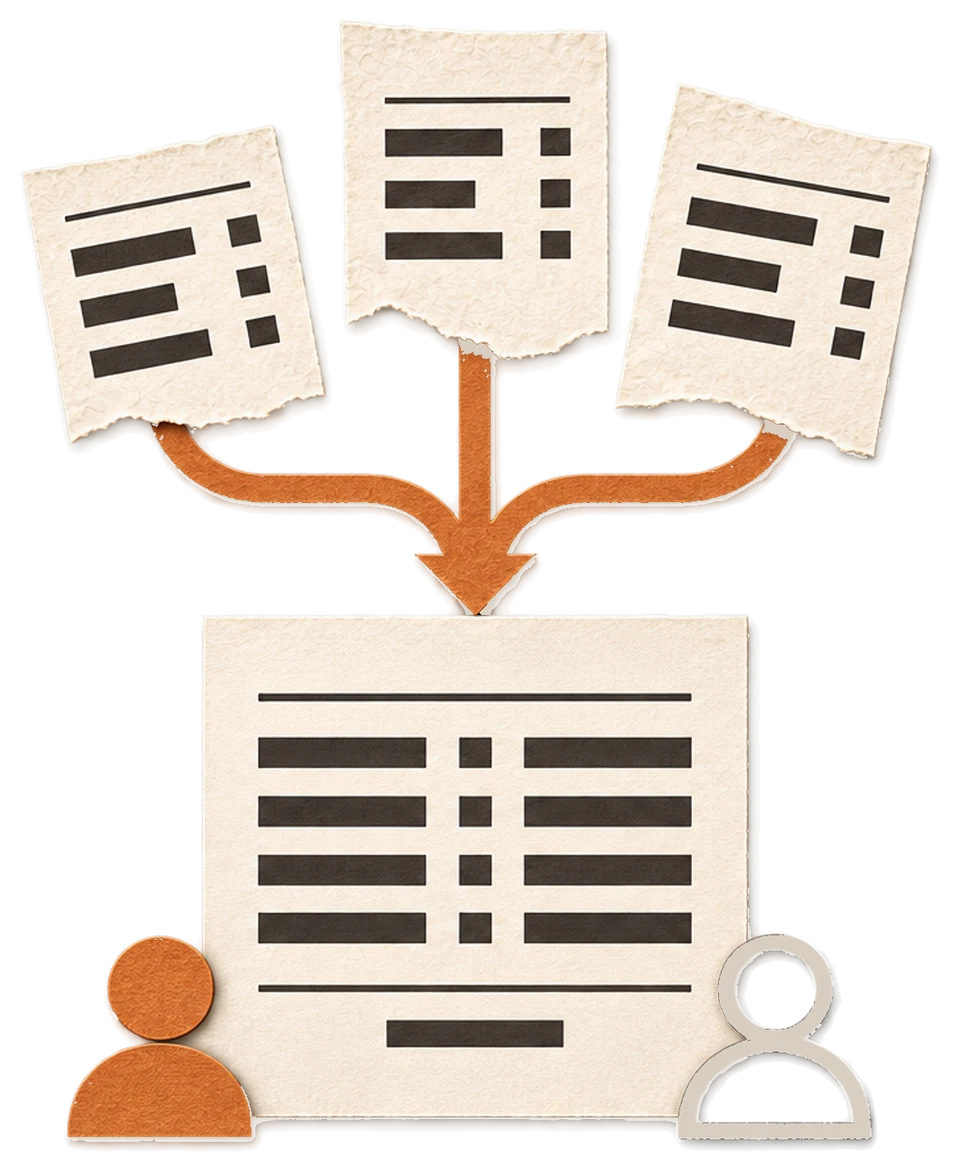

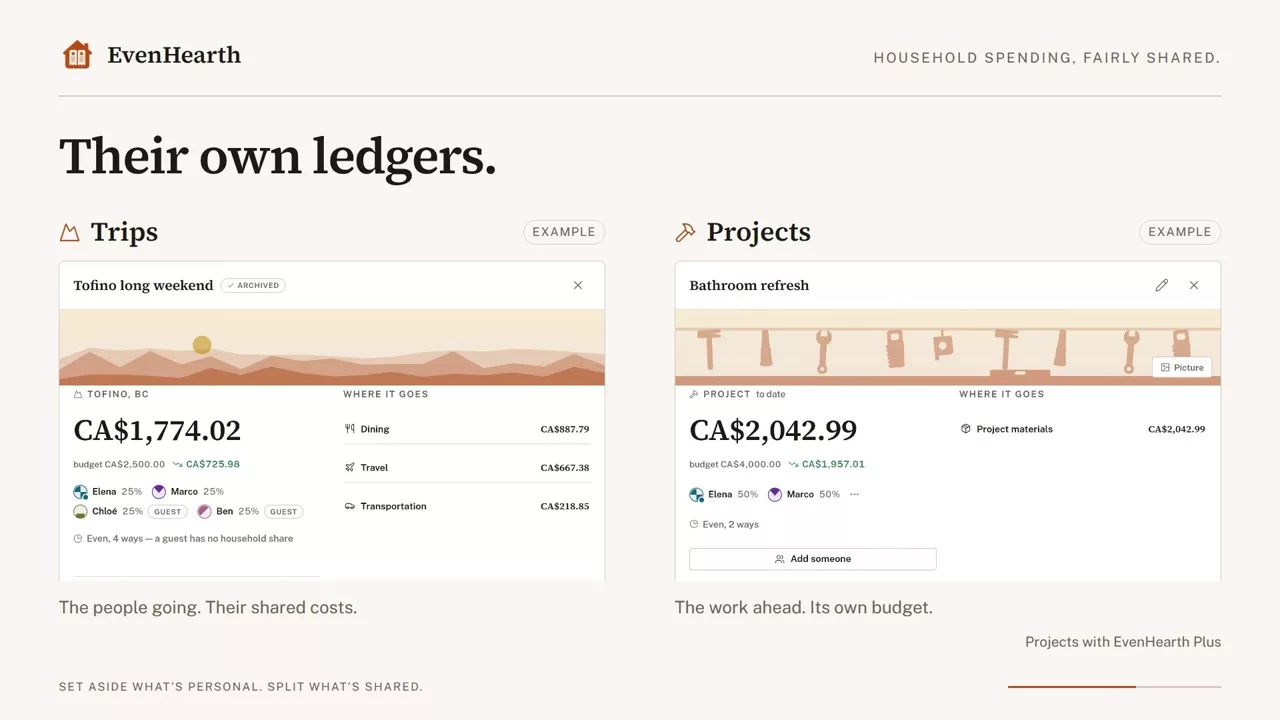
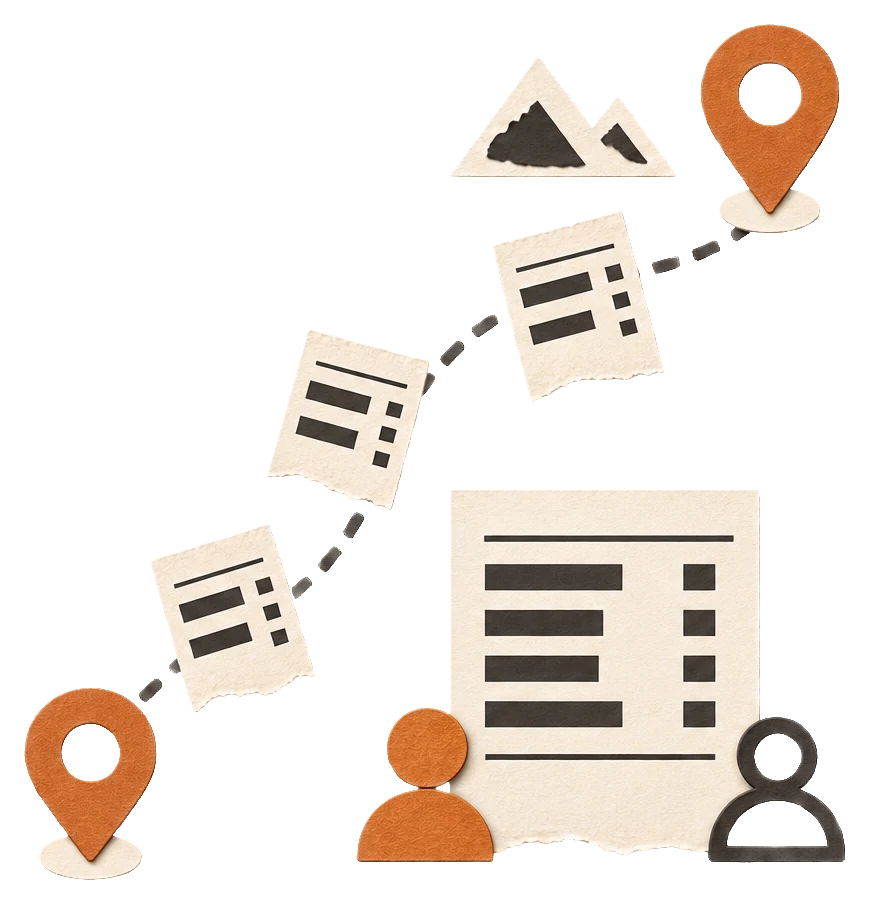
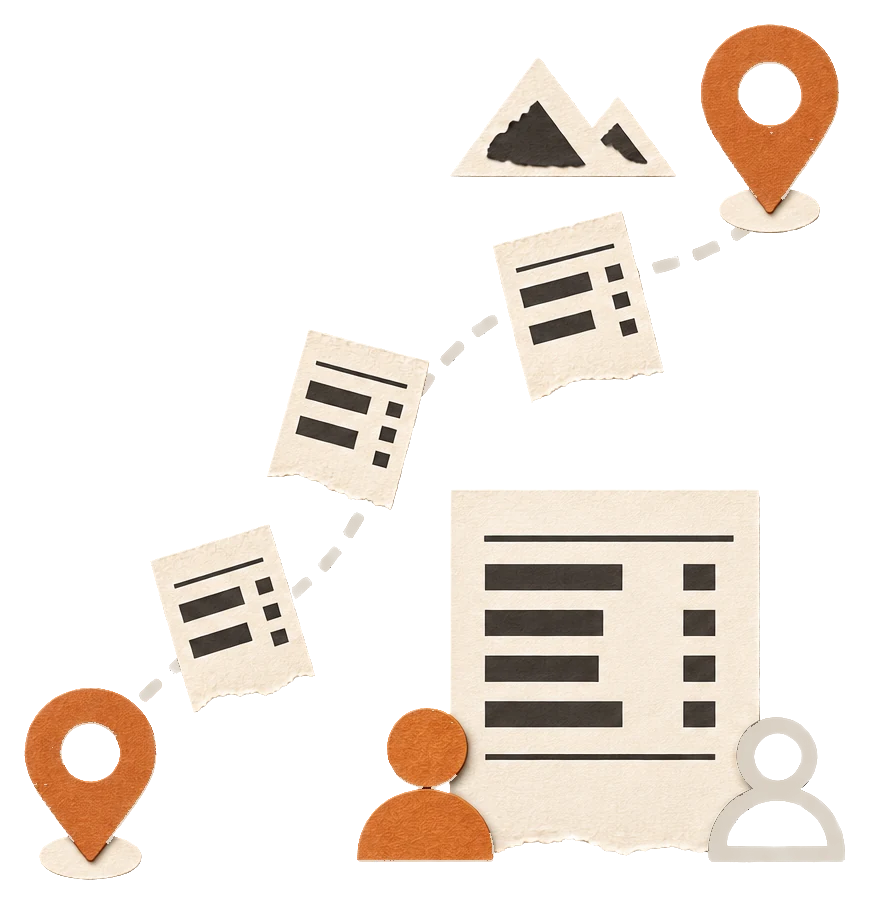
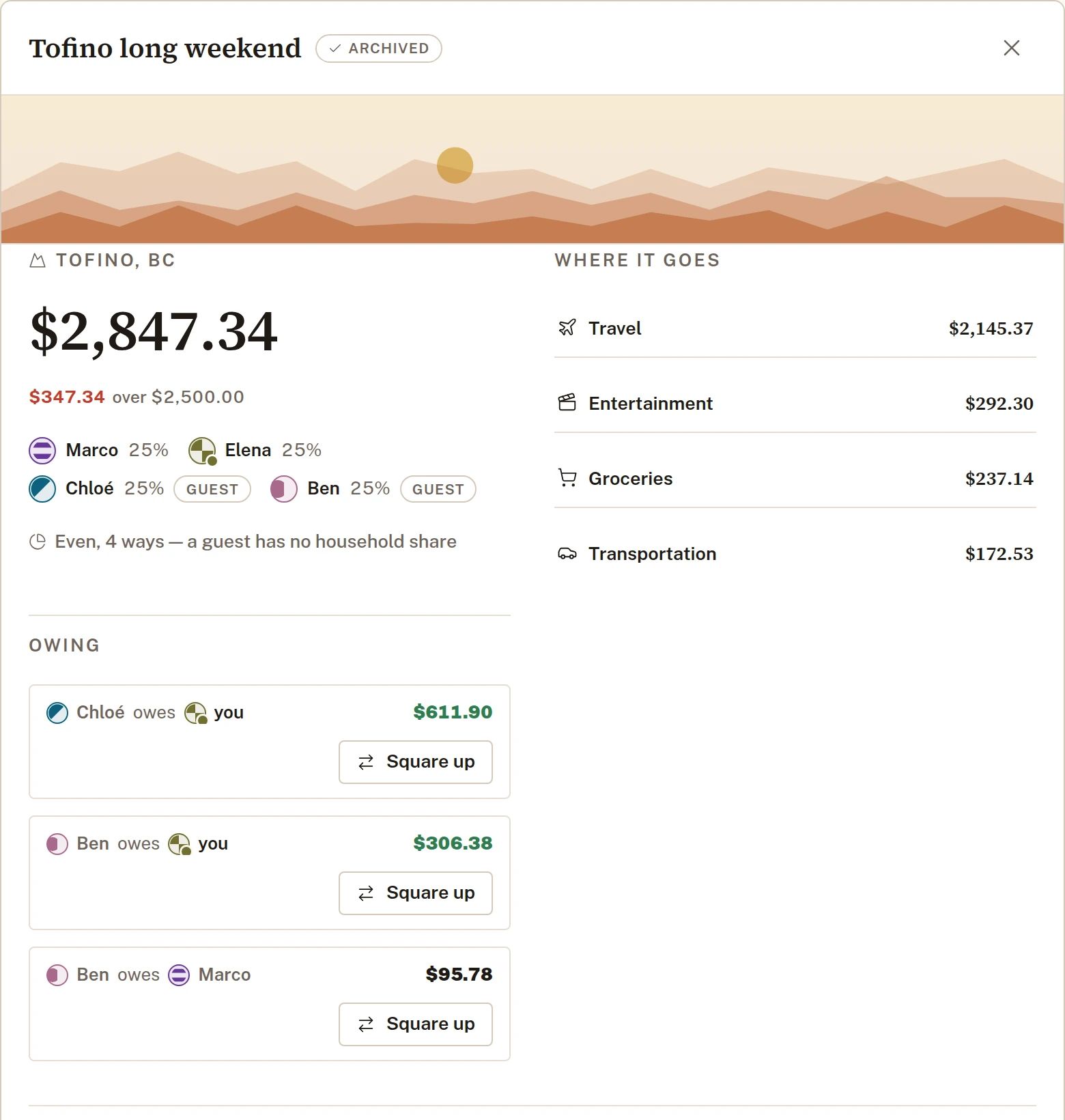
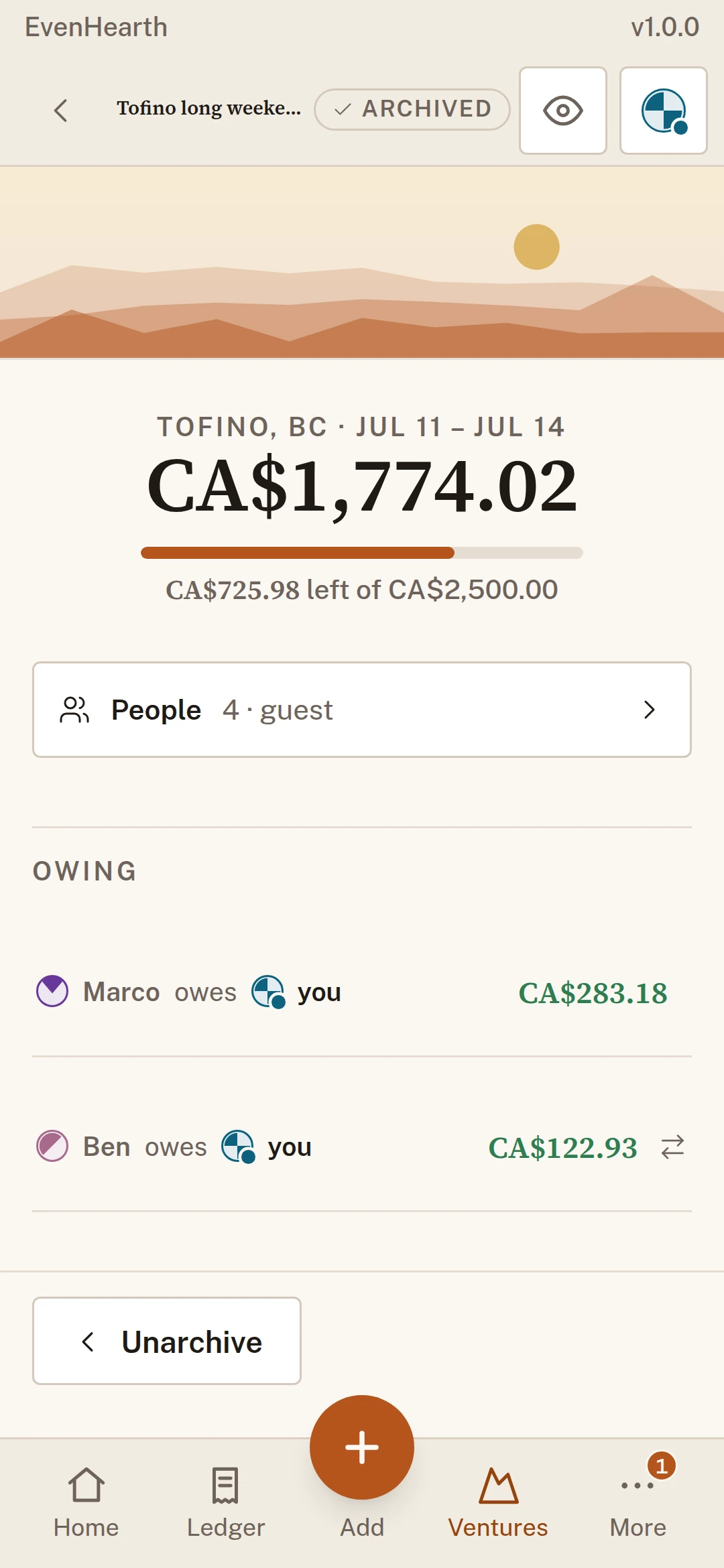
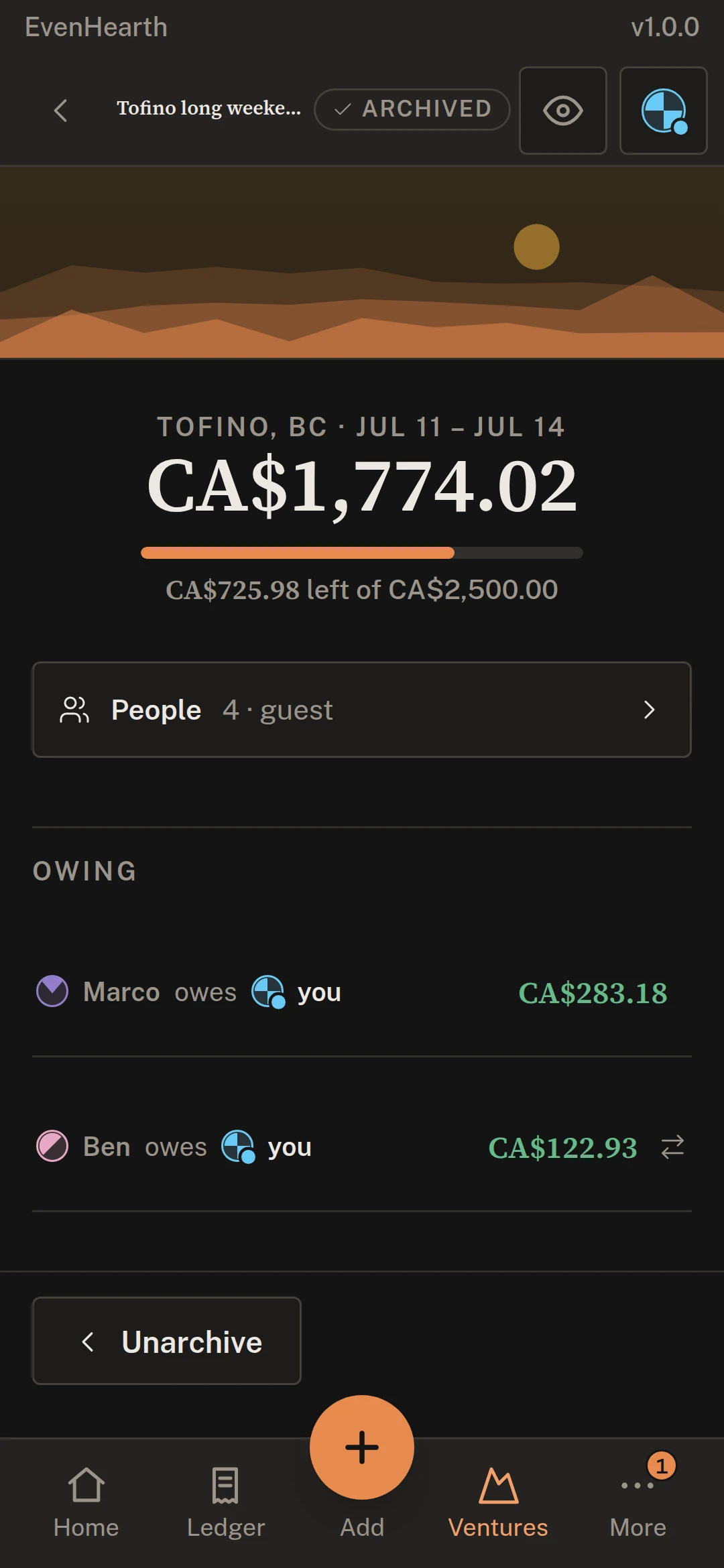
Trips and projects get their own ledger.
Bring in only the people involved, even friends from outside your household, and settle up each trip when it ends. Trips are free.

See where the money goes.
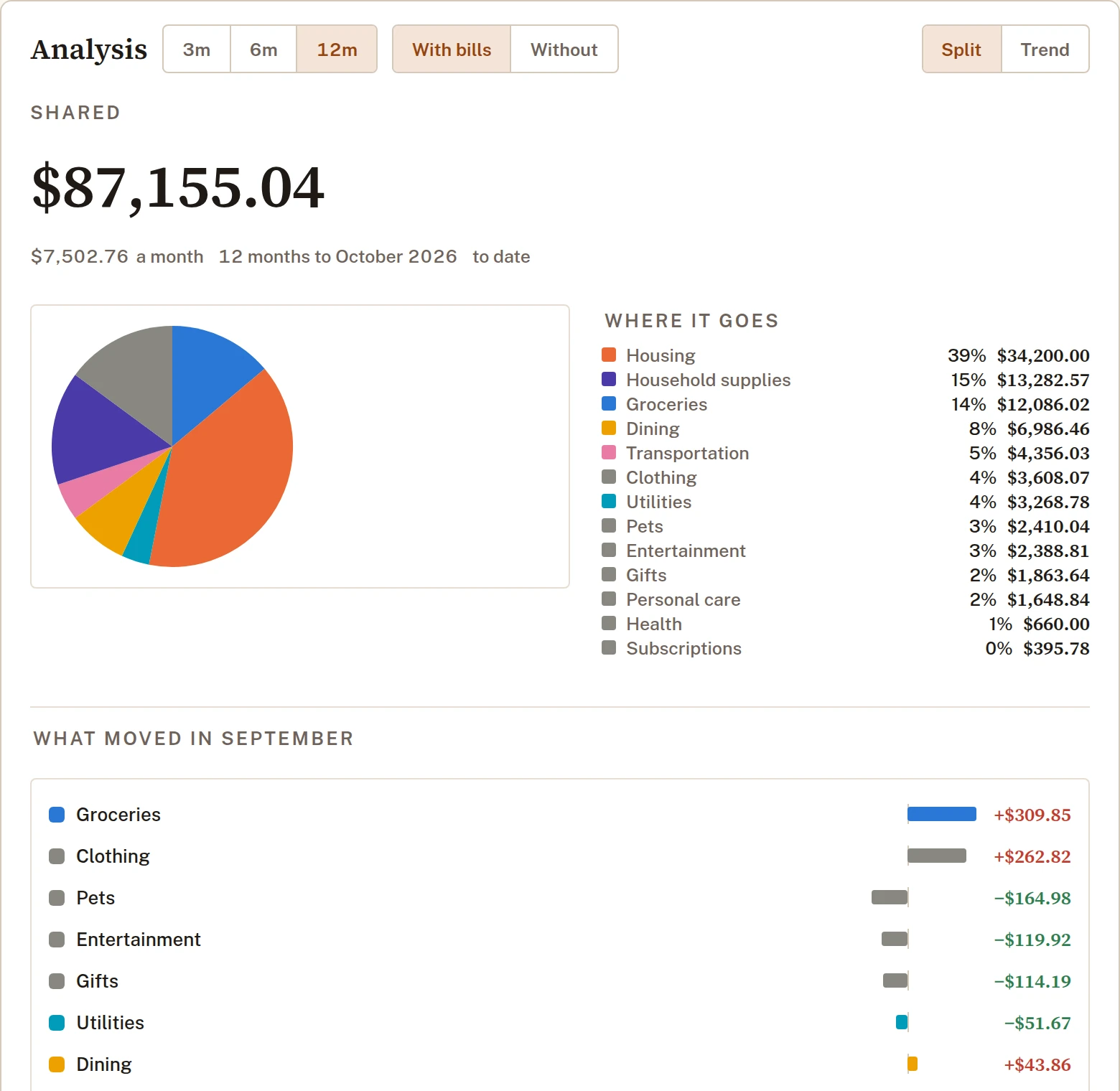
Months side by side, by category, place and merchant, with what moved since last month. Charts and trends come with EvenHearth Plus.

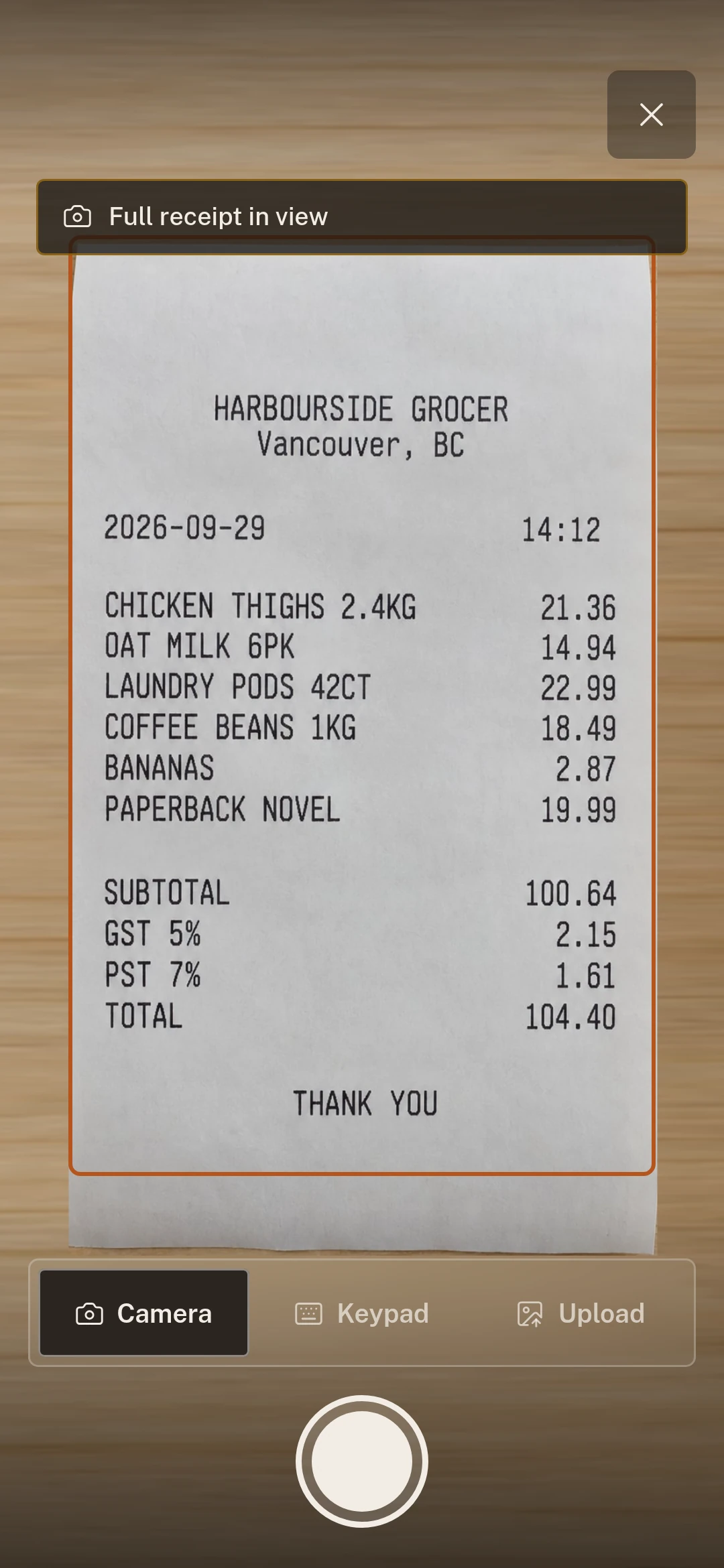
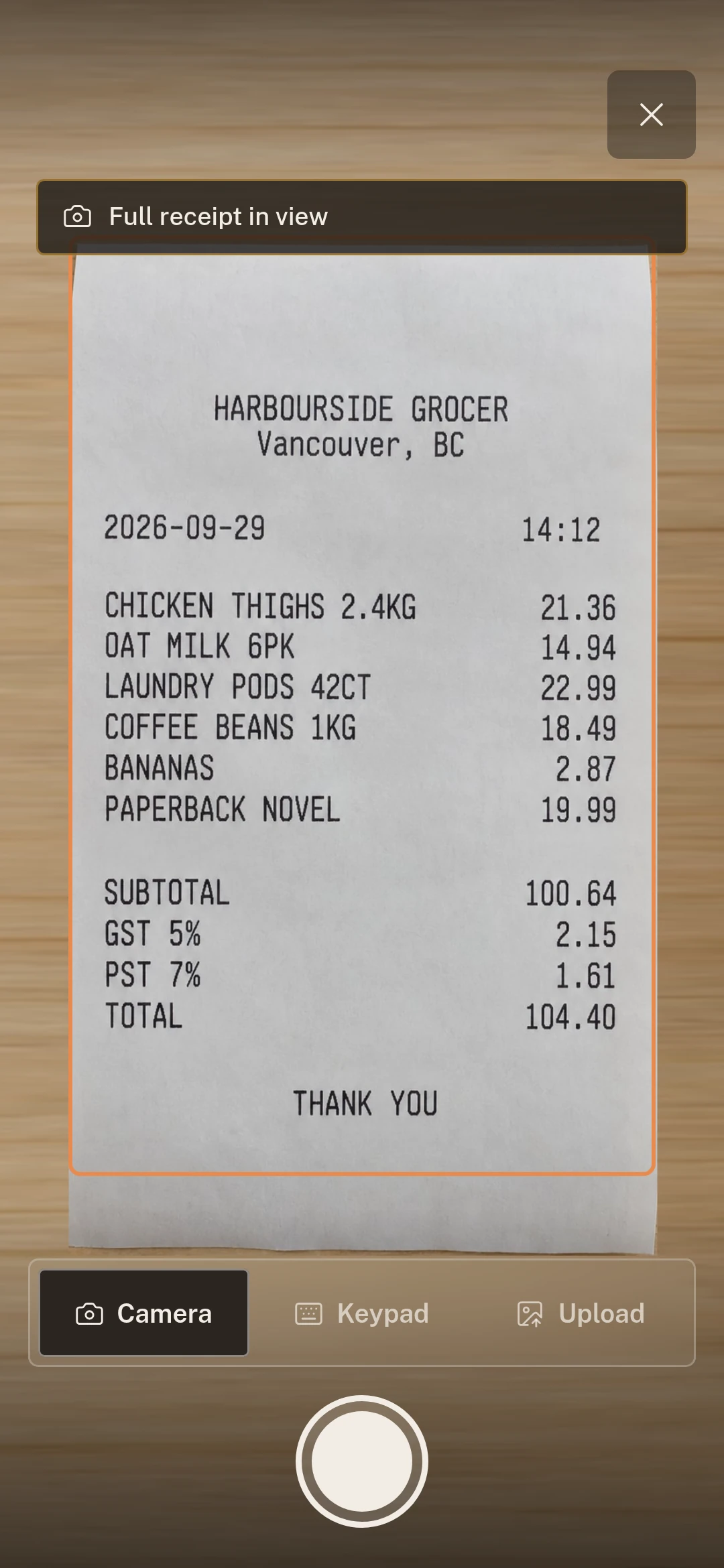
Rather not type it? Photograph it with the app.
The phone app frames the receipt, says what to fix before you take the picture, and reads the store, date, lines, tax and total into an entry you check. On a computer, drop a photo of it into Add or scan the code Add shows, or use the free browser extension to add an online order or a PDF invoice from its own tab. Free keeps 5 scans in hand and 1 scan refills every 2 days; EvenHearth Plus scans as often as you like.


Coming soon
What it will never do.
Carve a line out and it comes off the top, with the tax that sat on it. Months later the row still shows which was which.
Add a partner, a housemate or a friend by name. They hold a real share and count in every close whether or not they ever install anything.
A transfer needs both sides: one marks it paid, the other marks it received. Setting the household up grants no power to declare yourself settled.
Every amount is kept in whole cents, and a total that does not add up is refused.
Start on Free. Try EvenHearth Plus when sharing begins.
Your first shared expense starts 6 weeks of EvenHearth Plus with no card. When it ends, pick the capacity you need or carry on with Free. Nothing is charged automatically.
| What you get | Free | |
|---|---|---|
| People in the household | You and one other | No limit (fair use) |
| Entries, splits, month close, settling up, export | ||
| Receipt scans | 5 in hand, 1 scan refills every 2 days | Unlimited |
| Browser extension | ||
| Receipt photos | Kept 56 days | Kept with the entry |
| Trips | One at a time, up to 5 people | No limits |
| Projects | — | |
| Recurring bills and reminders | — | |
| Budgets | — | |
| Charts and trends over time | — | |
| Households | One | One, two or three |

Paid plans: Canada, outside Quebec, for now. Worldwide coming soon. Free works everywhere.
FAQ
Is it free?
Yes. Free covers a household of two with unlimited entries, splits, month close, settling up and export, and it never shrinks. EvenHearth Plus adds more people, unlimited receipt scans, recurring bills, budgets and charts.
Does everyone need an account?
No. Add people by name and they hold a real share in every split and every close. They can accept an invitation later, or never.
Can we split unevenly, say by income?
Yes. Use 50/50, 60/40 or whatever you agreed. When the arrangement changes, past months keep the split they were posted under.
Does it move money?
No. It records what was spent and works out who owes whom. You pay each other outside the app, and each payment is confirmed by the payer and recipient.
How does receipt scanning work?
Photograph the receipt with the phone app, and the store, date, lines, tax and total are read into an entry you check. On a computer, drop a photo of it into Add, or scan the code Add shows with the app. A free household keeps up to five scans in hand, and one refills every two days.
Can I add an online order or a PDF invoice?
Yes, with the free browser extension for Chrome, Edge and Firefox. Press it on the page or the PDF and the merchant, date and total are read into an entry you check. It works on every plan.
Who is it for?
Anyone who shares a home, a trip or a project and its costs: partners, roommates, family, friends. Free covers two people; EvenHearth Plus has no limit.
Can we use it for a trip with friends?
Yes. A trip gets its own ledger, can include people from outside your household, and settles up when it ends. Trips are free: one at a time on Free, as many as you like on EvenHearth Plus.
Start with your next grocery run.
Make a household, add the people you share it with, and photograph the first receipt. The app does the arithmetic from there.
No card for the trialYour household onlyExport or delete whenever
