
Your phone is the receipt scanner.
Point the app at a receipt and it frames the paper, tells you what to fix before you take the picture, and reads every line into an entry you check and split. It is the same household and ledger you use on your computer.


Coming soon
Tap to focus, flash, long receipts in several shots
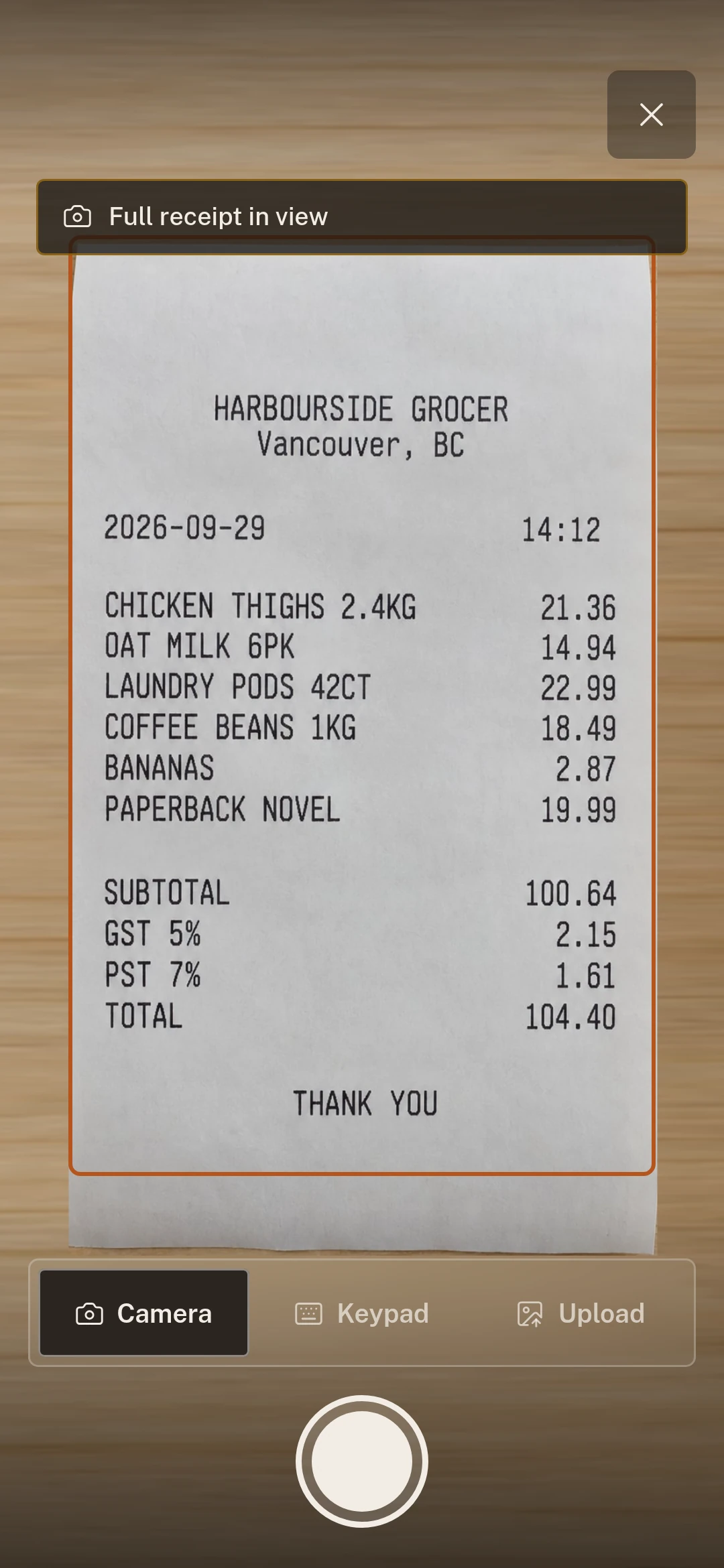
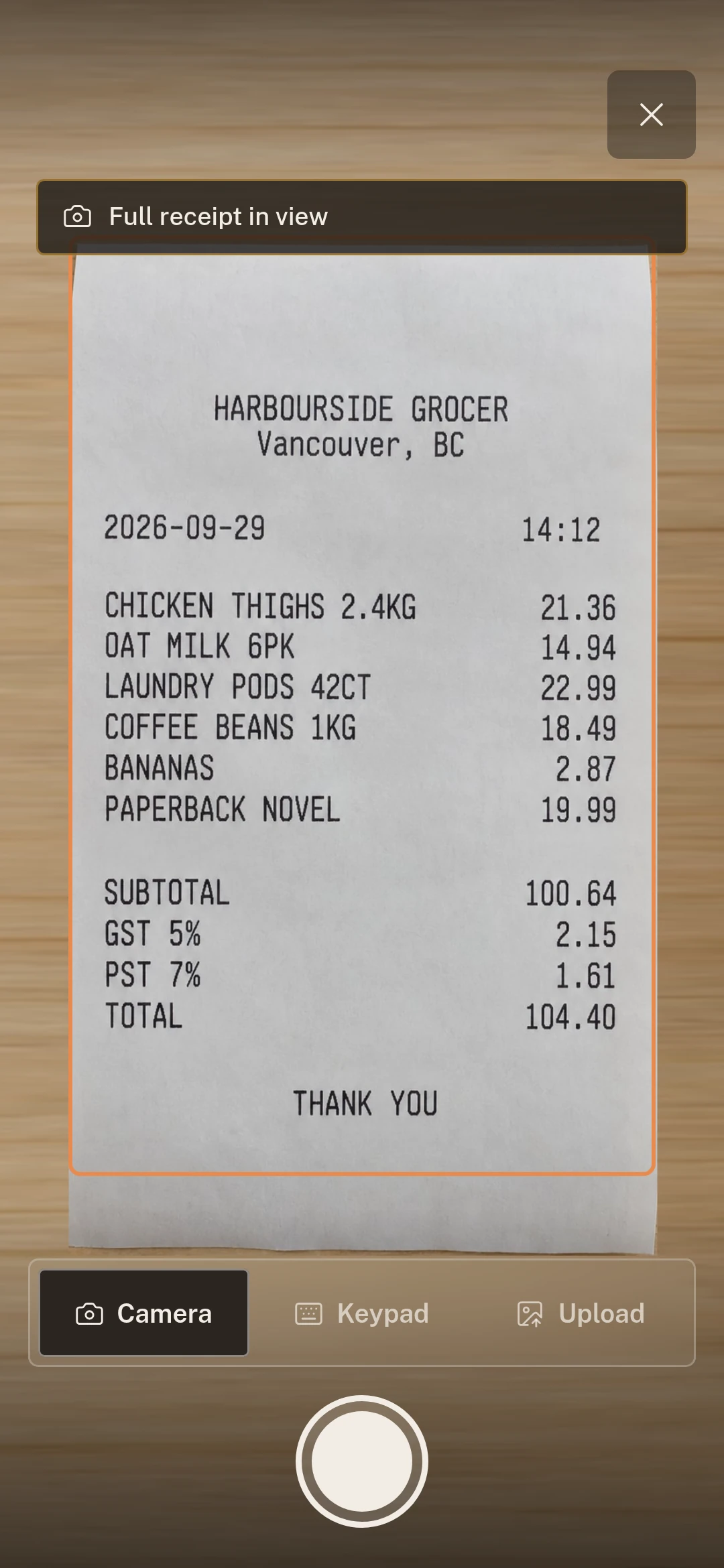
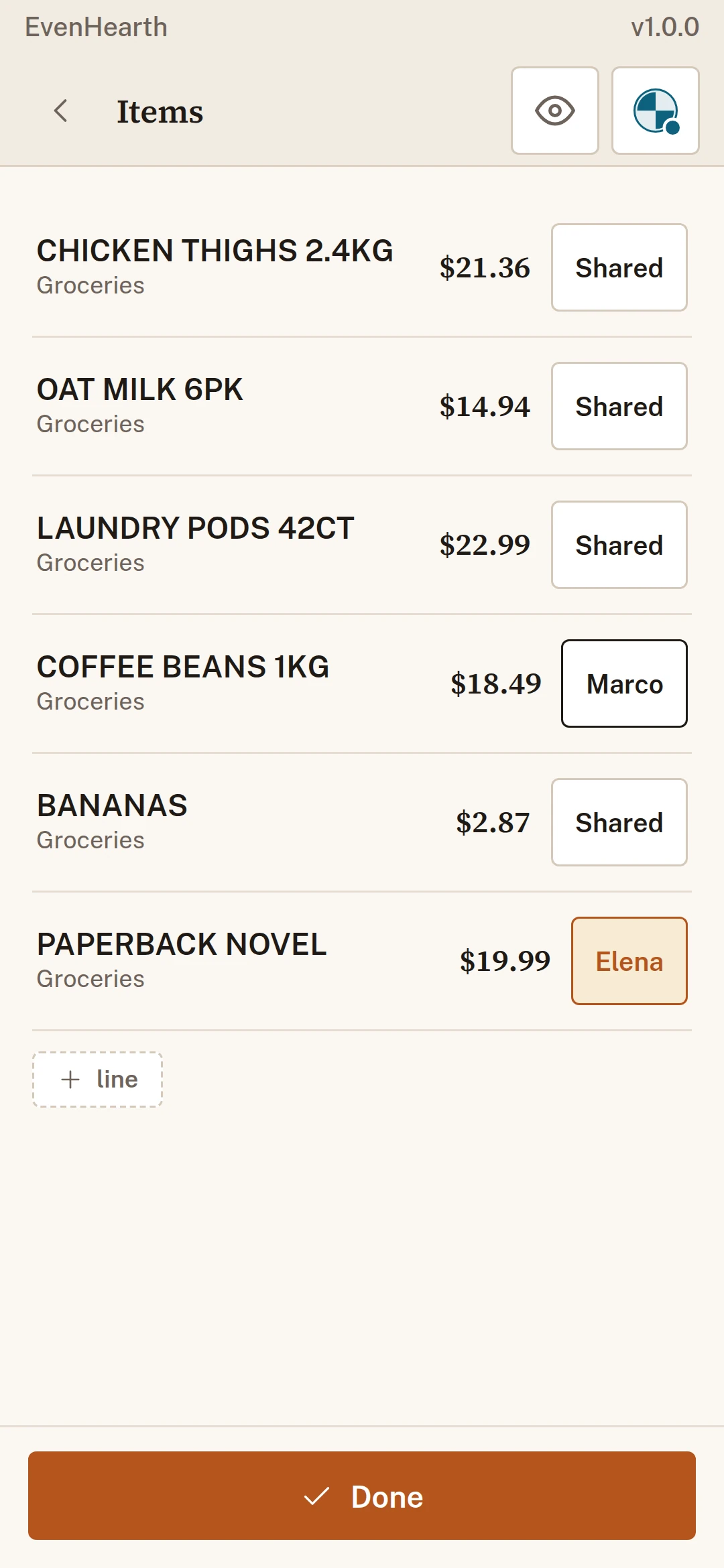
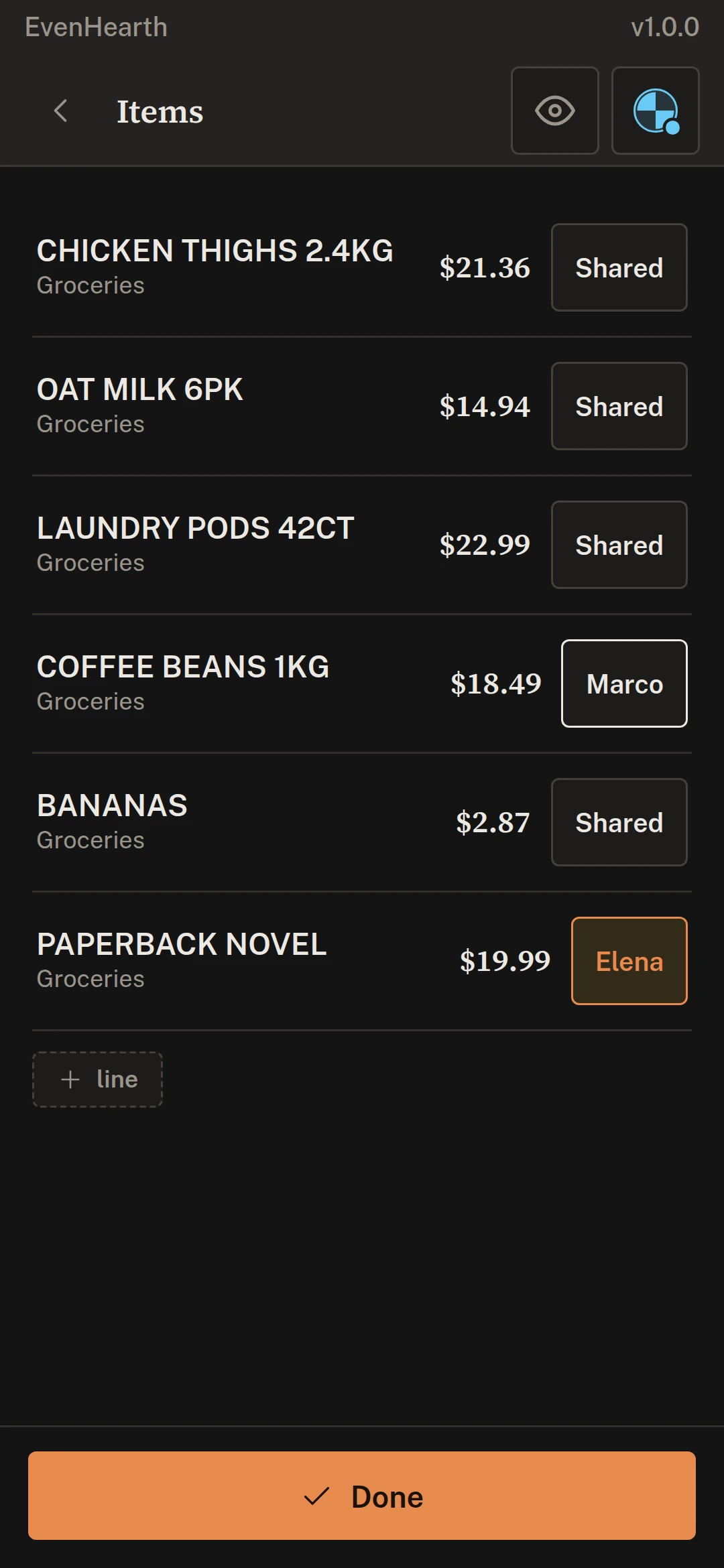
Every line, read and yours to split.
The store, date, lines, tax and total come off the photo. Tap a line to make it one person’s, and the totals for each of you change as you go, before anything is posted.
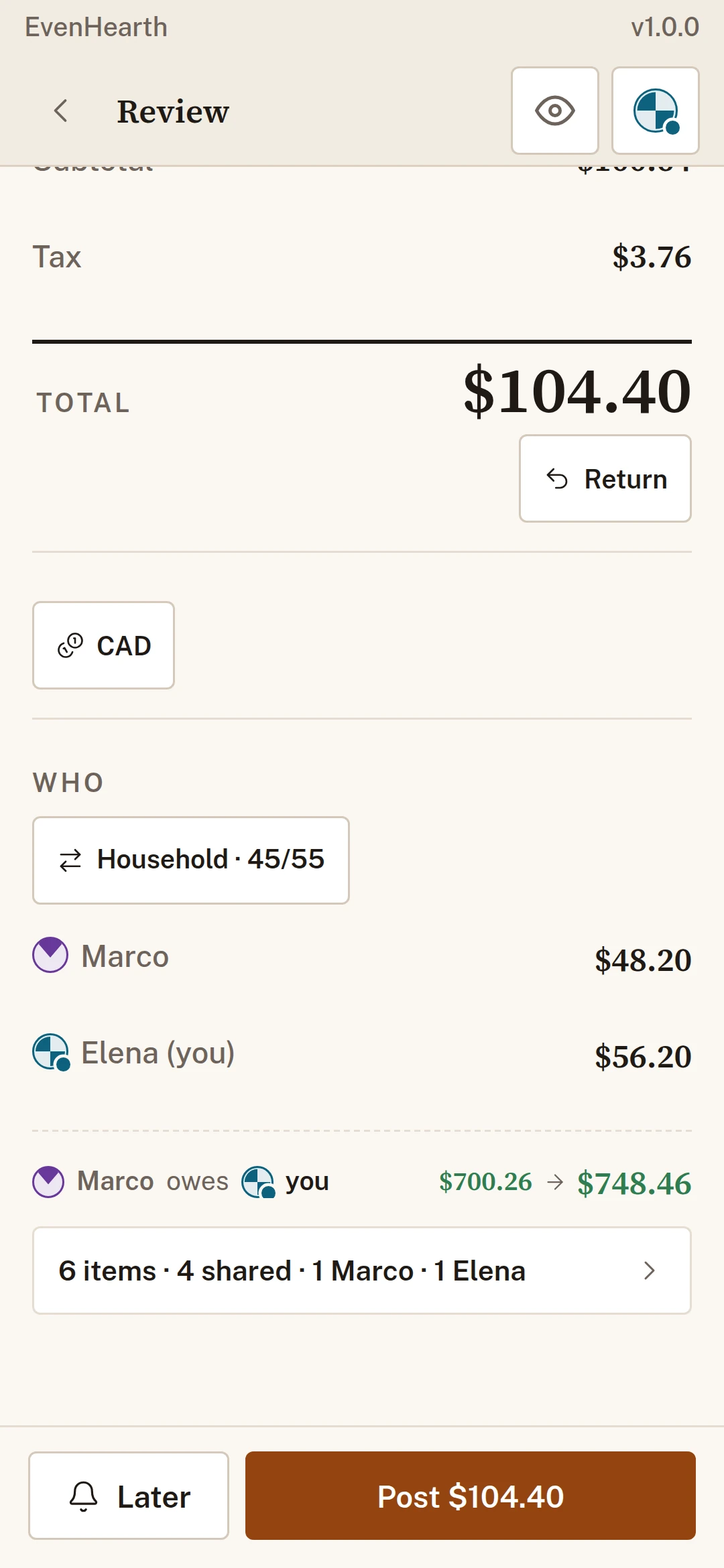
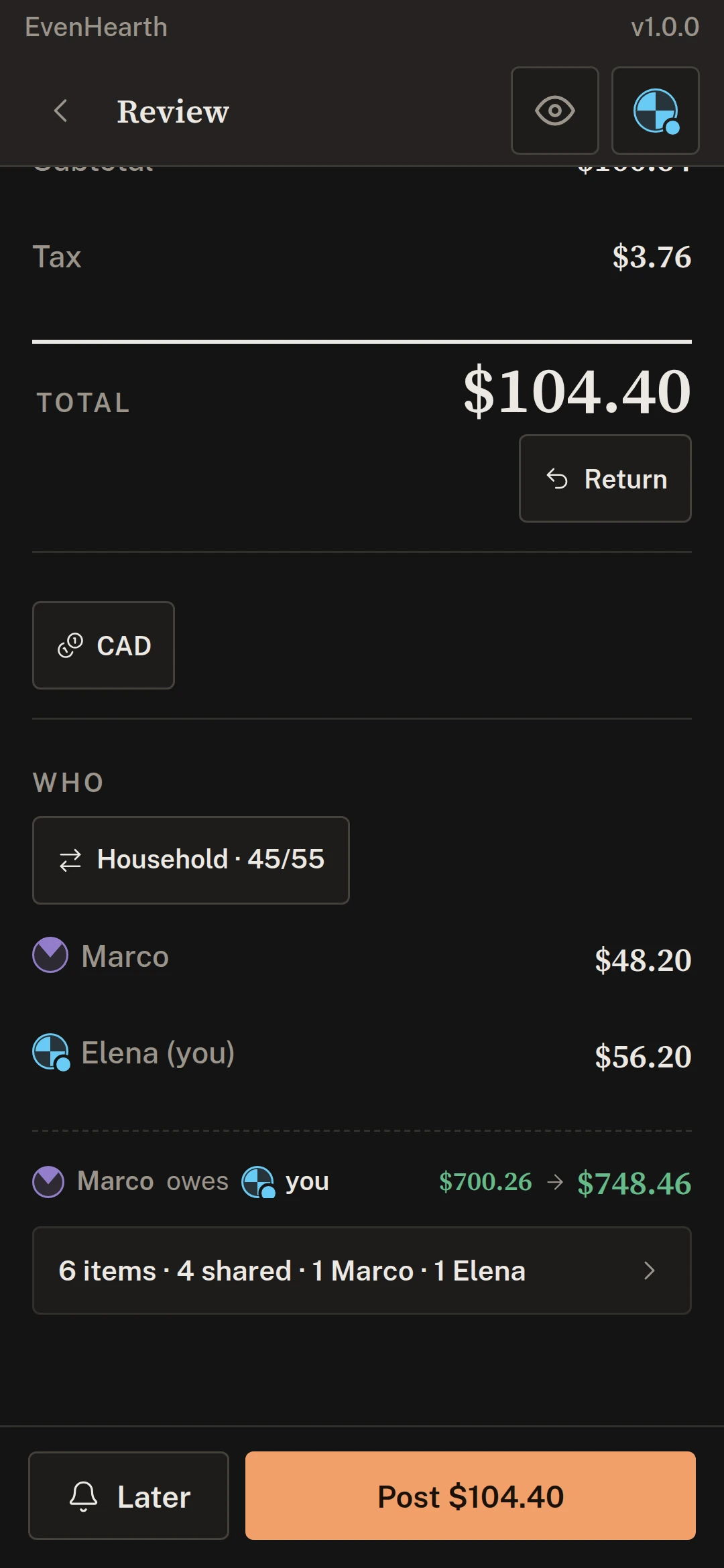
Working on the computer? Scan with your phone.
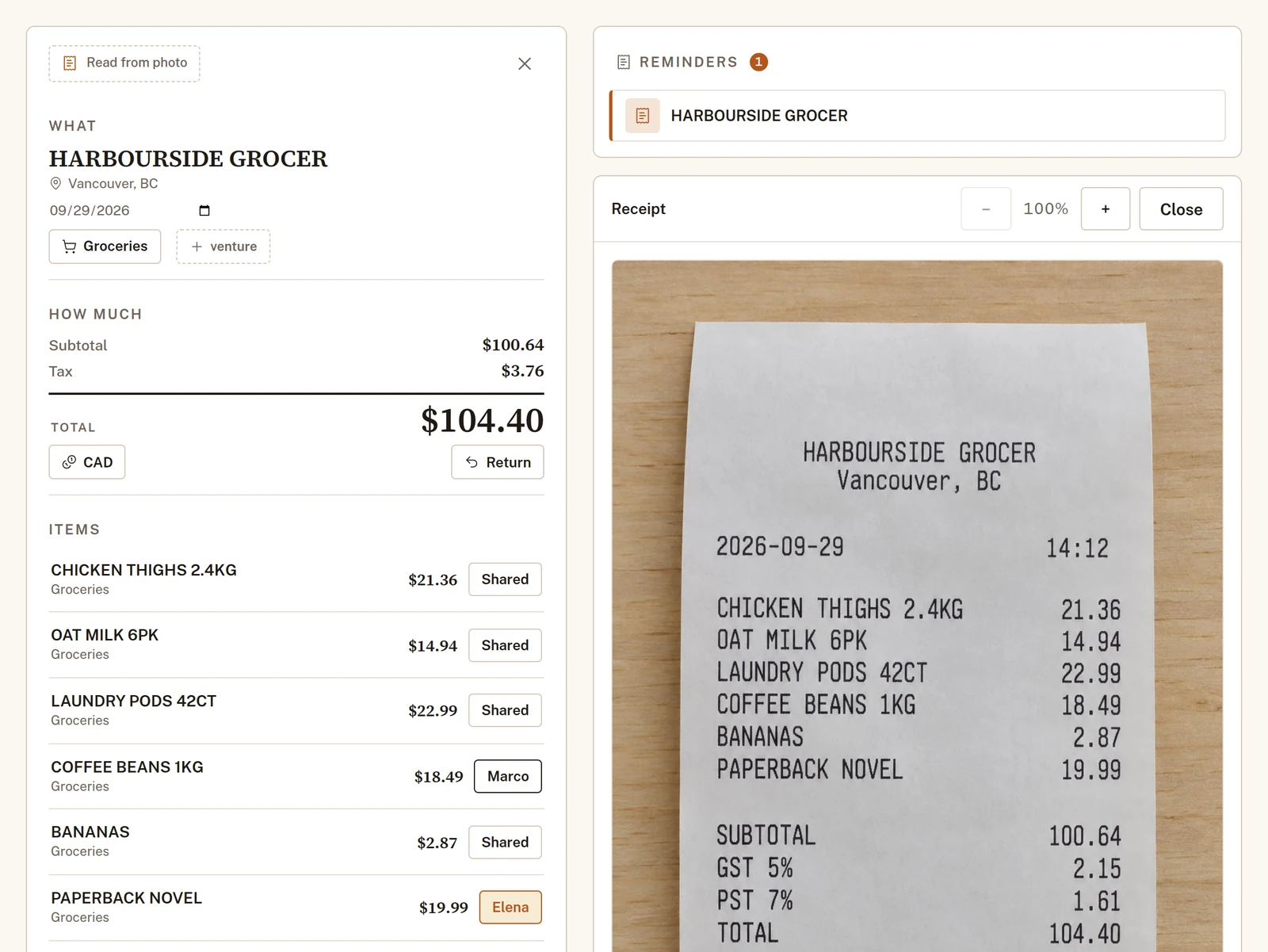
Add on the computer shows a code. Scan it with the app, photograph the receipt, and it opens on the big screen beside the lines read from it, ready to check.

Run the whole household from your phone.
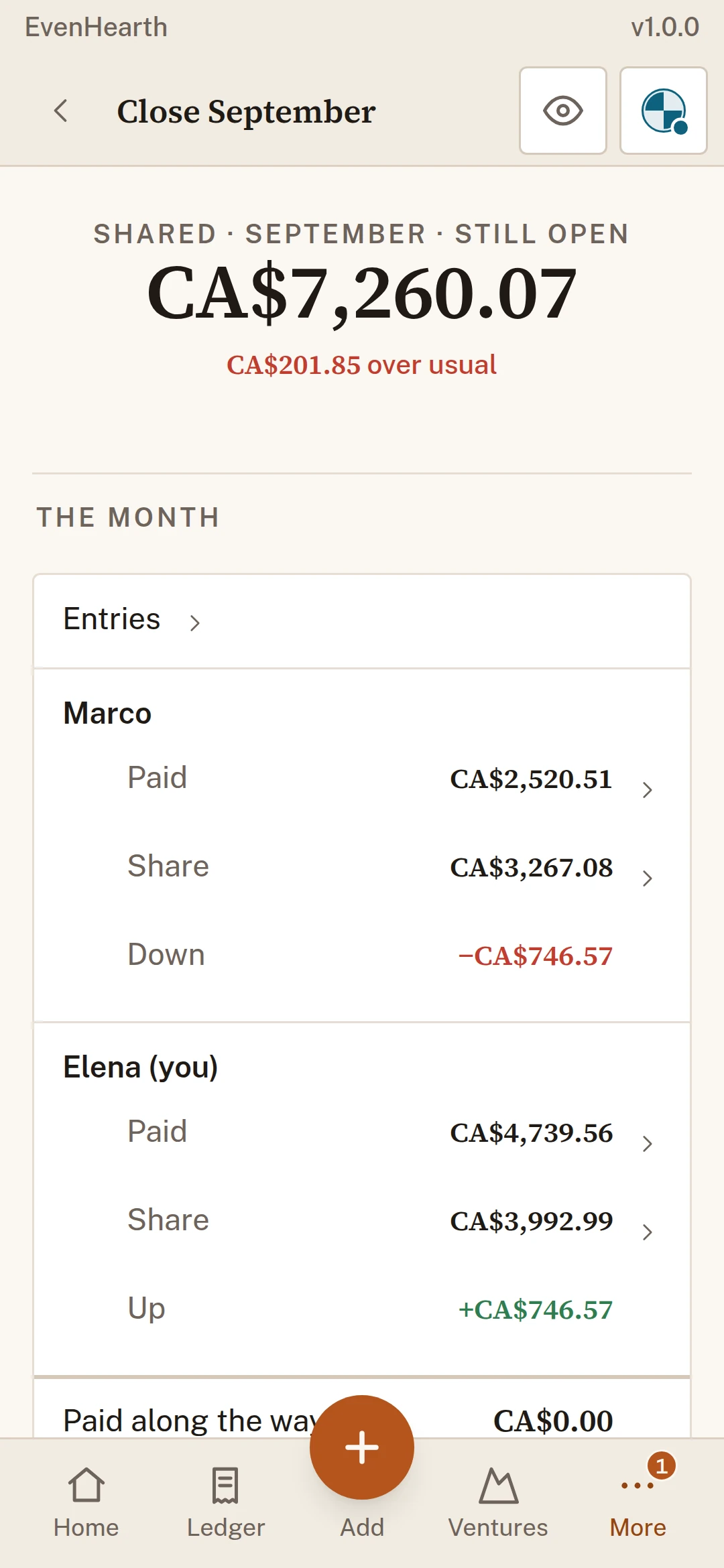
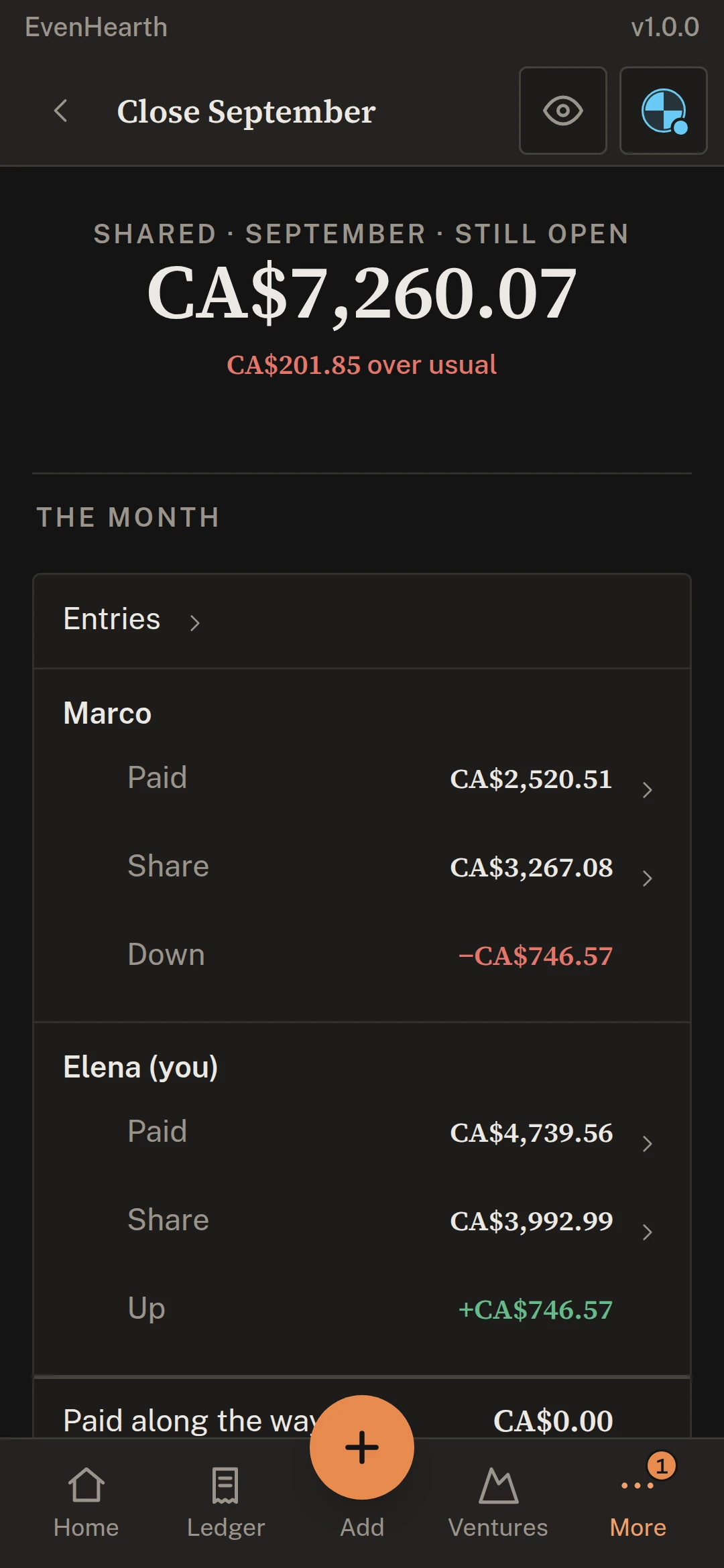
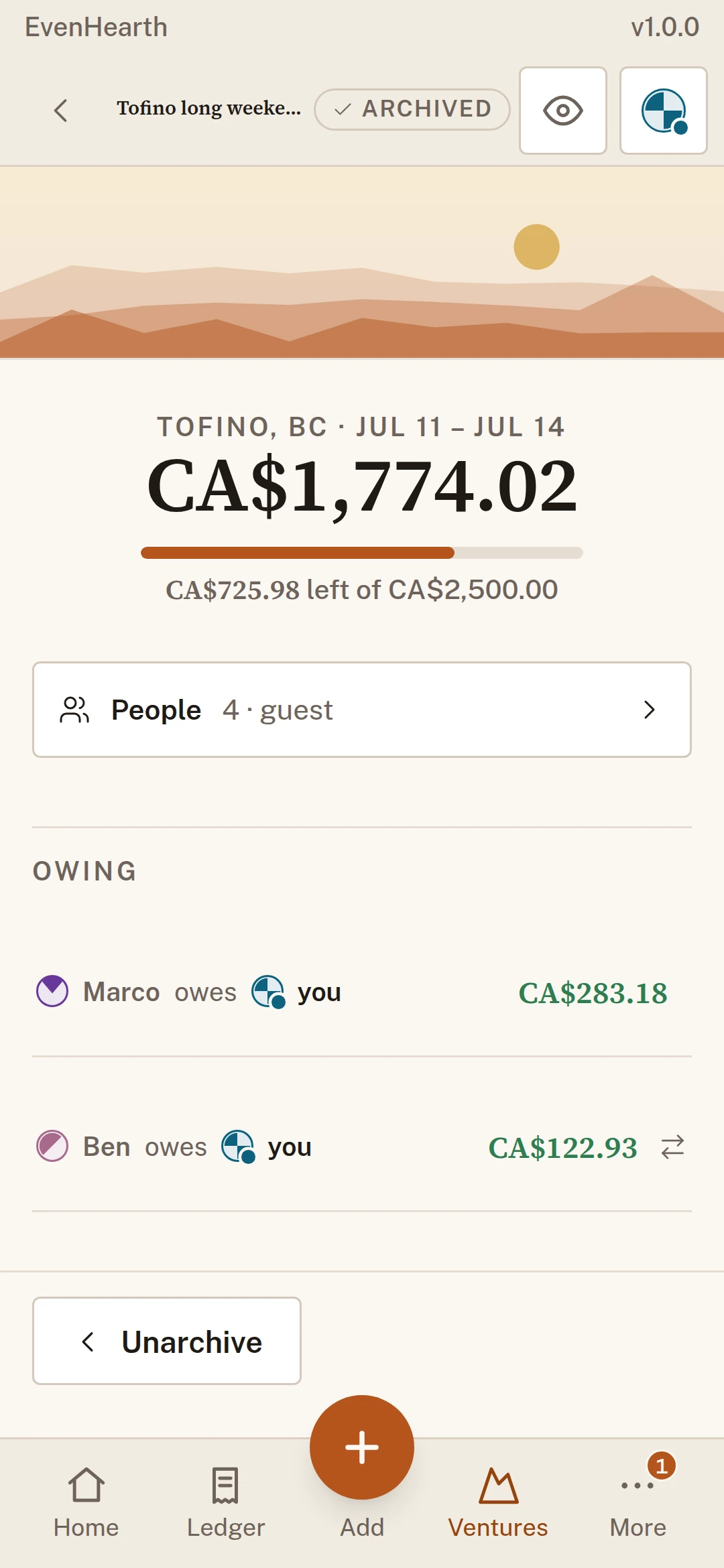
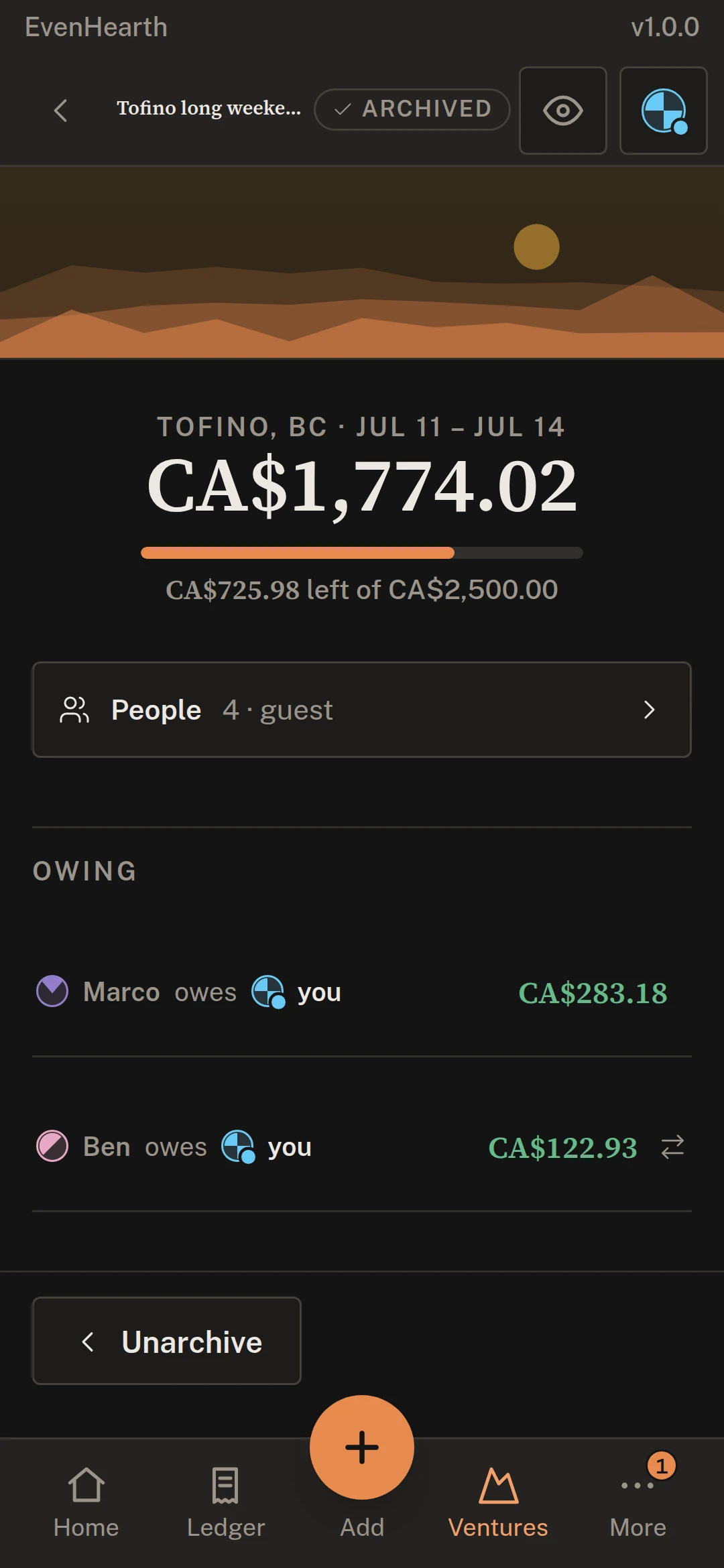
Close the month and see who owes whom. Keep a trip’s spending with the friends who were on it. Turn on reminders for bills coming due, payments somebody records, and a month that is ready to close.
Why photograph it in the app.
The app uses the phone’s own camera, with its focus and its flash, so the reading starts from a sharp photo. A browser tab gets a lower-quality video frame and cannot refocus on a creased receipt, so the app is where a receipt is photographed. A photo you already have can be dropped into Add on a computer, and everything else works in the browser too.
Start on the web today.
Make a household and add the people you share it with. The app signs in to the same account, and your ledger is waiting there.
Coming soon
